16
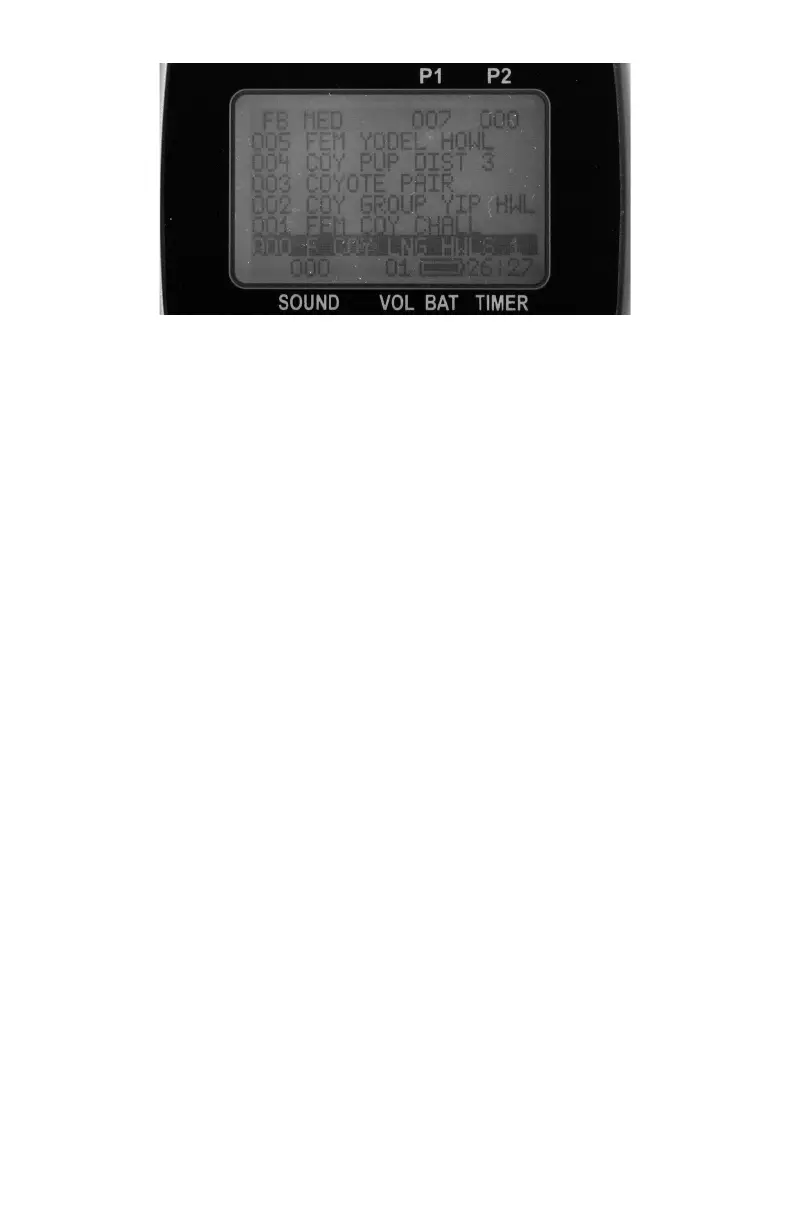
Turning FOXBANG On and Off
1. To turn FOXBANG on, simultaneously press the Sound Up and
Down buttons on your TX-9. Repeat this step to turn FOXBANG
off.
NOTE: When you activate FOXBANG it will automatically use the
previous sensitivity setting. The factory default sensitivity is medium.
You may need to adjust this to get the right setting for your firearm. If
you are using a large caliber (.30-06), you would want to select a lower
sensitivity. If using a smaller firearm (such as .17HMR or .22), use the
higher sensitivity. Medium settings should be suitable for .17 Fireball,
.223, .22-250, etc.
Selecting FOXBANG Sensitivity
1. Press and hold Sound Up and Down on the TX-9 for 3 seconds.
2. Use the Volume Up and Down buttons to select your desired
sensitivity.
3. Press the Send button to lock this setting in.
NOTE: An unintended and unavoidable consequence of adjusting the
FOXBANG sensitivity to high levels is that handling noises, such as
banging of the transmitter case on your firearm stock, may cause
unexpected activation of FOXBANG. For this reason, you should choose
the lowest sensitivity that affords reliable activation from the muzzle



 To Next Page