9
2-3 Using Presets (P1 and P2)
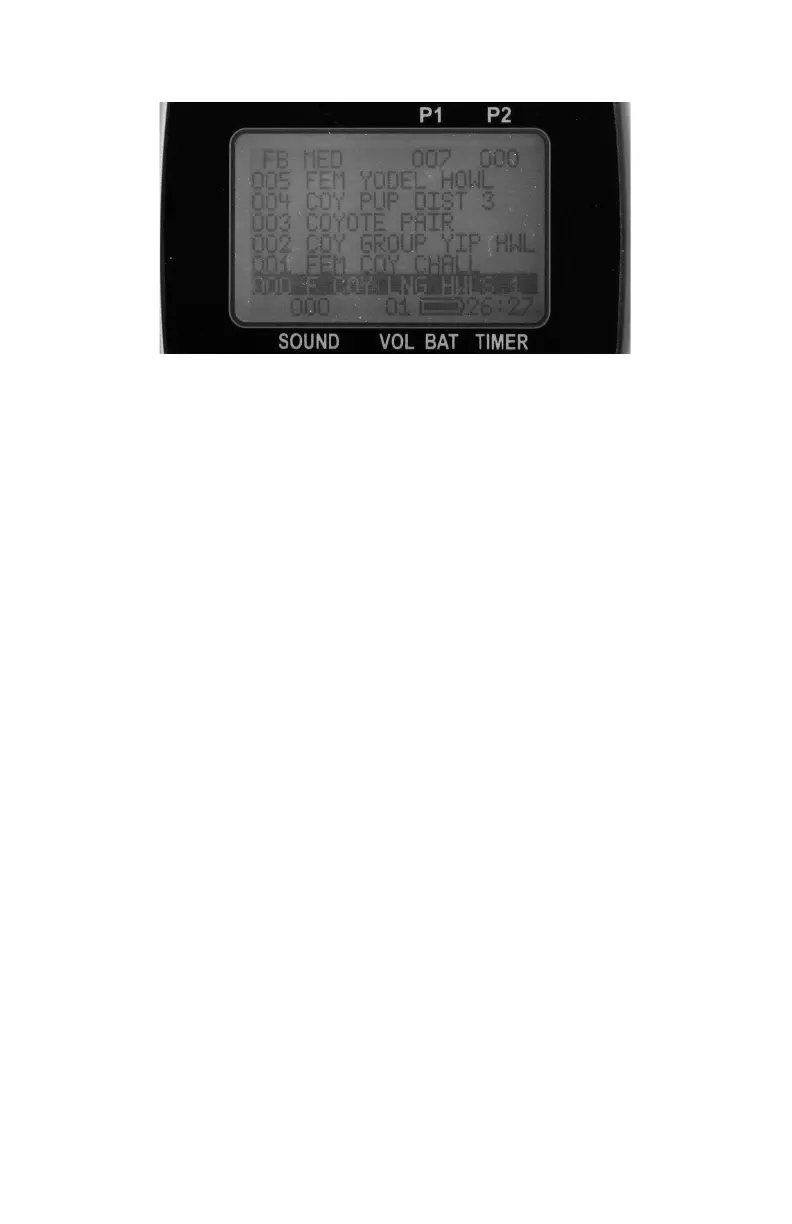
The TX9 features two presets. Each preset provides you with one
button access to your most frequently used sounds. The stored sound
number of each preset is show in the right corner of the top status line
(see image below).
To assign a preset, perform the following:
1. Press and hold the P1 or P2 button for 5 seconds. Notice the top
status line of the TX9 display will change to: “SEL SND/VOL
PRESS P1” or “SEL SND/VOL PRESS P2”.
2. Use the sound selector buttons to highlight the sound you wish
to have set on the preset.
3. Use the volume buttons to set the desired volume level for the
preset.
4. Push P1 or P2 a final time, depending upon which one you are
setting.
To begin playback of a preset, simply push the P1 or P2 button while
operating the Firestorm remotely. The Firestorm will immediately
switch to that sound and volume level.
3. Batteries and Charging
Your Firestorm operates on 8 ‘AA’ batteries. For optimal performance
and run times, we recommend the use of high-capacity 2300 mAh or


 To Next Page