3
What’s in the box?
Ethernet Cable Power Pack Cable
nbn
™
Fibre Connection Box
(without cover)
nbn
™
Fibre Connection Box
(with cover)
2.4GHz WiFi Name (SSID) best for range
5.0GHz WiFi Name (SSID) best for streaming
WiFi password
Use this info to connect your WiFi.
Keep it secret. Keep it safe.
3
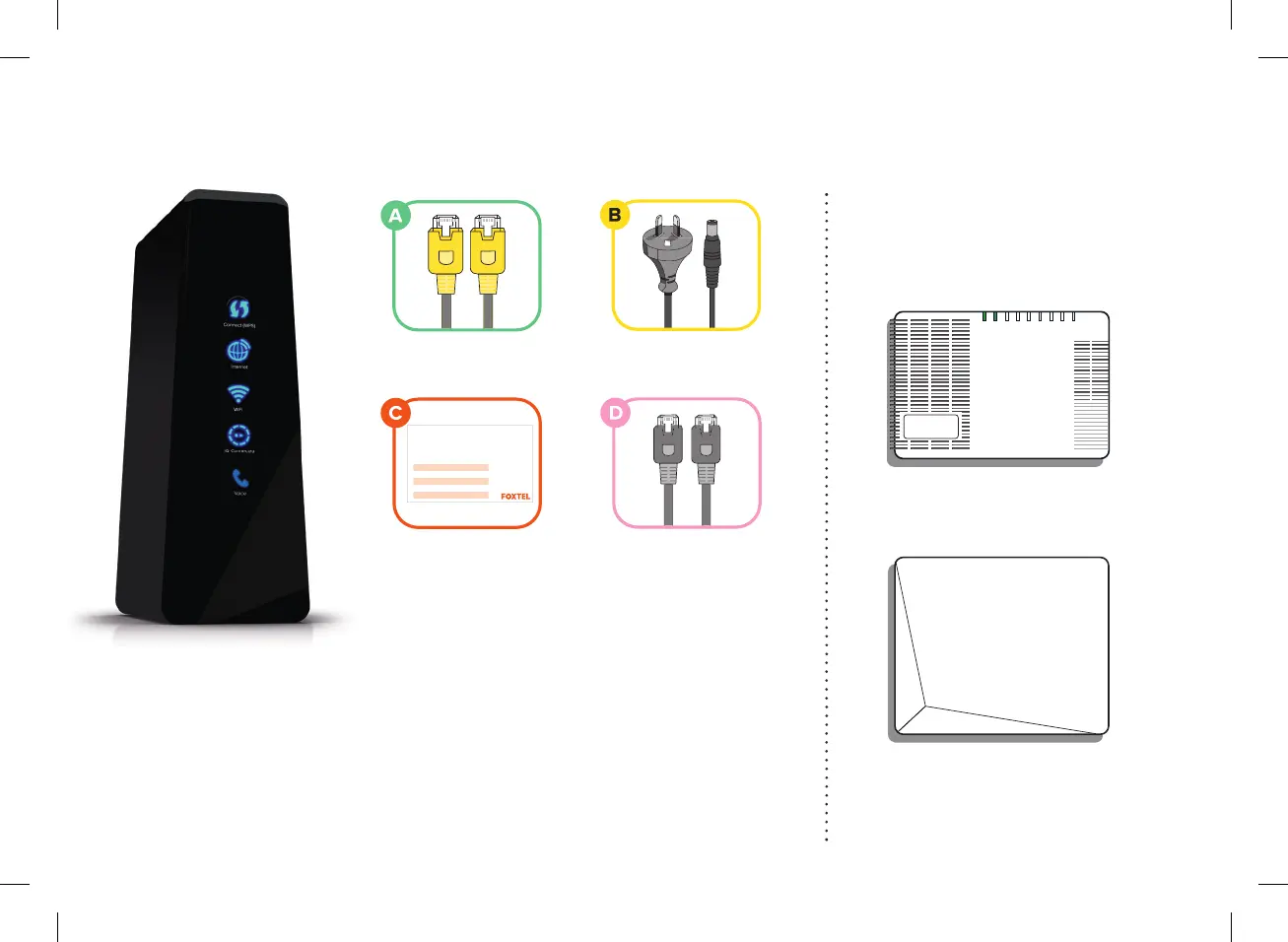
What’s in the box?
Check your nbn™ equipment
Before you continue please ensure your
nbn™ equipment has been installed.
nbn™ Connection Box
Yellow Tipped
Ethernet Cable
Yellow Tipped
Ethernet Cable
Grey Telephone
Handset Cable
WiFi Keep Me Card
Power Pack Cable
Top tip
Before you continue, please ensure that yournbn™
equipment has been installed. If you are installing your
own nbn™ equipment then make sure you’ve completed
the steps outlined in the nbn™ setup that came with your
nbn™ Connection Box.
3
4
6
10
11
12
14
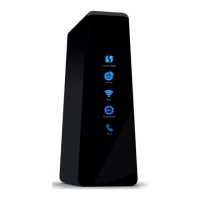
WiFi Modem
13/06/2017 10:20 AM
POWER
OPTICAL
ALA
R
M
UNI–D1
UNI–D2
UNI–D3
UNI–D4
UNI–V
1/2
UPDATE
UNI–D1UNI–V 1 UNI –V2 UNI–D2 UNI–D3 UNI–D4
POWER
OPTICAL
ALA
R
M
UNI–D1
UNI–D2
UNI–D3
UNI–D4
UNI–V
1/2
UPDATE
UNI–D1UNI–V 1 UNI –V2 UNI–D2 UNI–D3 UNI–D4
Check your nbn™ equipment
Before you continue please ensure your
nbn
™
equipment has been installed.
Grey Telephone
Handset Cable
2.4GHz WiFi Name (SSID) best for range
5.0GHz WiFi Name (SSID) best for streaming
WiFi password
Use this info to connect your WiFi.
Keep it secret. Keep it safe.
3
What’s in the box?
Check your nbn™ equipment
Before you continue please ensure your
nbn™ equipment has been installed.
nbn™ Connection Box
Yellow Tipped
Ethernet Cable
Yellow Tipped
Ethernet Cable
Grey Telephone
Handset Cable
WiFi Keep Me Card
Power Pack Cable
Top tip
Before you continue, please ensure that yournbn™
equipment has been installed. If you are installing your
own nbn™ equipment then make sure you’ve completed
the steps outlined in the nbn™ setup that came with your
nbn™ Connection Box.
3
4
6
10
11
12
14
WiFi Modem
13/06/2017 10:20 AM
WiFi Keep Me Card
2.4GHz WiFi Name (SSID) best for range
5.0GHz WiFi Name (SSID) best for streaming
WiFi password
Use this info to connect your WiFi.
Keep it secret. Keep it safe.
3
What’s in the box?
Check your nbn™ equipment
Before you continue please ensure your
nbn™ equipment has been installed.
nbn™ Connection Box
Yellow Tipped
Ethernet Cable
Yellow Tipped
Ethernet Cable
Grey Telephone
Handset Cable
WiFi Keep Me Card
Power Pack Cable
Top tip
Before you continue, please ensure that yournbn™
equipment has been installed. If you are installing your
own nbn™ equipment then make sure you’ve completed
the steps outlined in the nbn™ setup that came with your
nbn™ Connection Box.
3
4
6
10
11
12
14
WiFi Modem
13/06/2017 10:20 AM
Use this info to connect your WiFi.
Keep it secret. Keep it safe.
2.4GHz WiFi Name (SSID) best for range
5.0GHz WiFi Name (SSID) best for streaming
WiFi password
CUS0341_FTTC_quick_install_guide_A5_FA.indd 3CUS0341_FTTC_quick_install_guide_A5_FA.indd 3 14/10/20 4:15 pm14/10/20 4:15 pm


 To Next Page
 Loading...