9
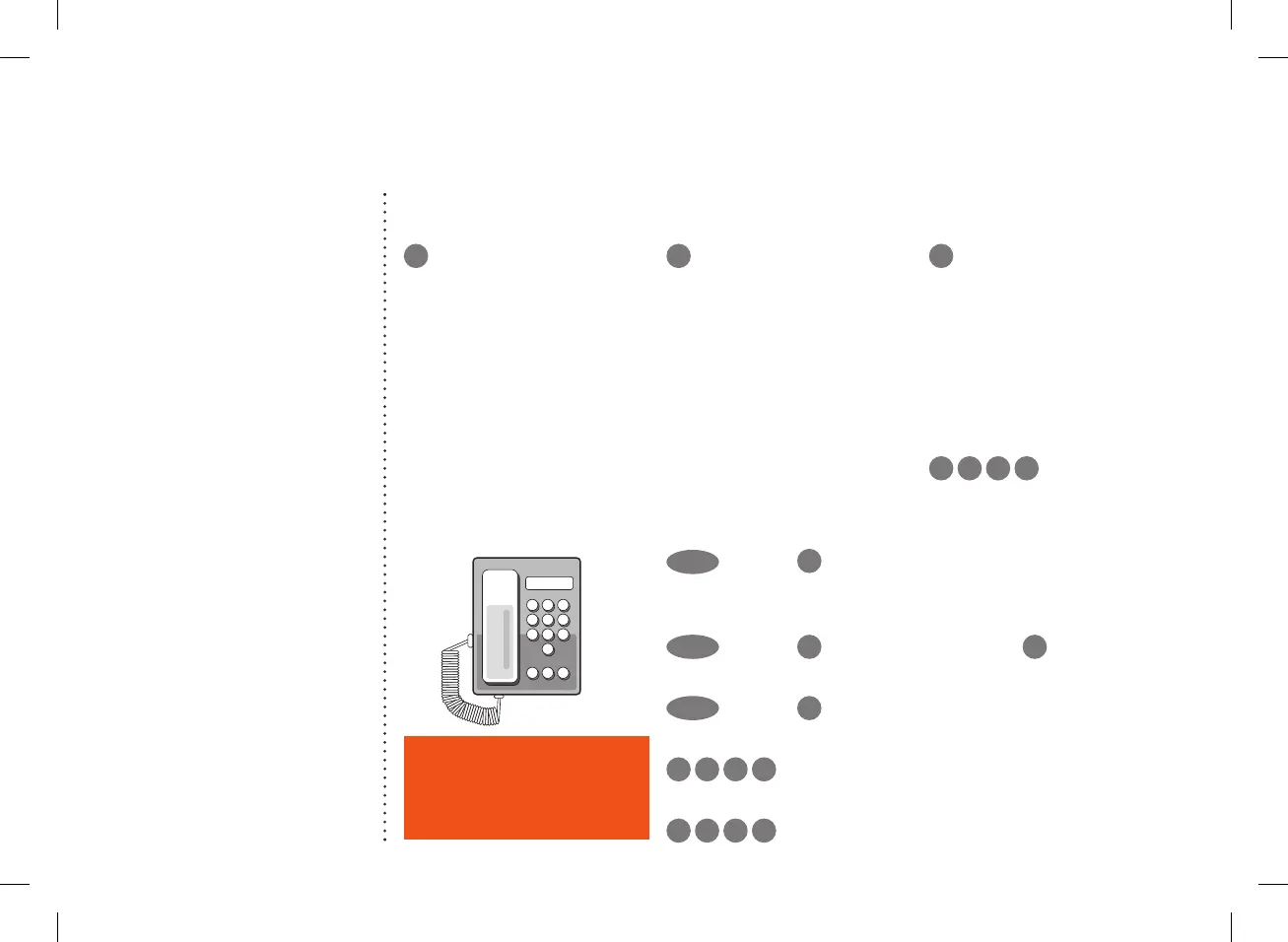
Stay connected with Foxtel Home Phone
How to use common home phone features
1
Voicemail
The first time you call your
voicemail service, voice
prompts will guide you through
recording your personal
greeting and setting up a PIN.
You’ll need to enter your PIN
when calling from another
landline or mobile phone.
Accessing your voicemail
Call 125 101
2
Call Waiting
When you’re on a call,
Call Waiting will let you know
someone is trying to ring you
by playing two beeps every
five seconds. You can put your
current call on hold and take
the second call, then switch
between callers.
To answer an incoming call
or switch between calls
RECALL
Dial tone
2
To hang up one call
and return to the other
RECALL
Dial tone
1
To reject an incoming call
RECALL
Dial tone
0
Turn ON Call Waiting
*
4 3 # Announcement
Turn OFF Call Waiting
*
4 3 # Announcement
3
Call Return
Missed a call? Call Return lets
you retrieve the number of your
last unanswered call.
Using call return
For 35¢ per call plus standard
call charges, simply dial
*
1 0 #
and the last
unanswered caller’s phone
number within the last 48 hours
will be announced (excludes
blocked numbers).
You’ll then be given the
option to return the call
by pressing
1 .
Top tip
Your default PIN is the last six
digits of your phone number.
11
Stay connected with Foxtel Home Phone
Top tip
Your default PIN is the last six
digits of your phone number.
How to use common home phone features
1
Voicemail
The first time you call your
voicemail service, voice prompts
will guide you through recording
your personal greeting and
setting up a PIN. You’ll need to
enter your PIN when calling from
another landline or mobile phone.
Accessing your voicemail
Call 125 101
2
Call Waiting
When you’re on a call, Call
Waiting will let you know
someone is trying to ring you
by playing two beeps every
five seconds. You can put your
current call on hold and take
the second call, then switch
between callers.
To answer an incoming call
or switch between calls
RECALL
Dial tone
2
To hang up one call
and return to the other
RECALL
Dial tone
1
To reject an incoming call
RECALL
Dial tone
0
Turn ON Call Waiting
4
3
#
Announcement
Turn OFF Call Waiting
#
4
3
#
Announcement
3
Call Return
Missed a call? Call Return lets
you retrieve the number of your
last unanswered call.
Using call return
For 35c per call plus standard call
charges, simply dial
1 0 #
and the last unanswered caller’s
phone number within the last 48
hours will be announced
(excludes blocked numbers).
You’ll then be given the option
to return the call by pressing
1
.
If you have a home phone service
with your Foxtel Broadband
bundle, then the following
features are included; unlimited
standard local calls, voicemail
and call waiting.
Like to get more from your home
phone? Stay in touch with family
and friends with our National &
Mobile Calls Pack and/or
International Calling Pack.
Your plan may come with
additional calls included. To find
out more, including call charges
and handy extras, go to
foxtel.com.a
u/homephonehelp
13/06/2017 10:20 AM
CUS0341_FTTC_quick_install_guide_A5_FA.indd 9CUS0341_FTTC_quick_install_guide_A5_FA.indd 9 14/10/20 4:15 pm14/10/20 4:15 pm


 To Next Page
 Loading...