22
Next Generation Diagnostic Platform GT60 User's Manual V1.01
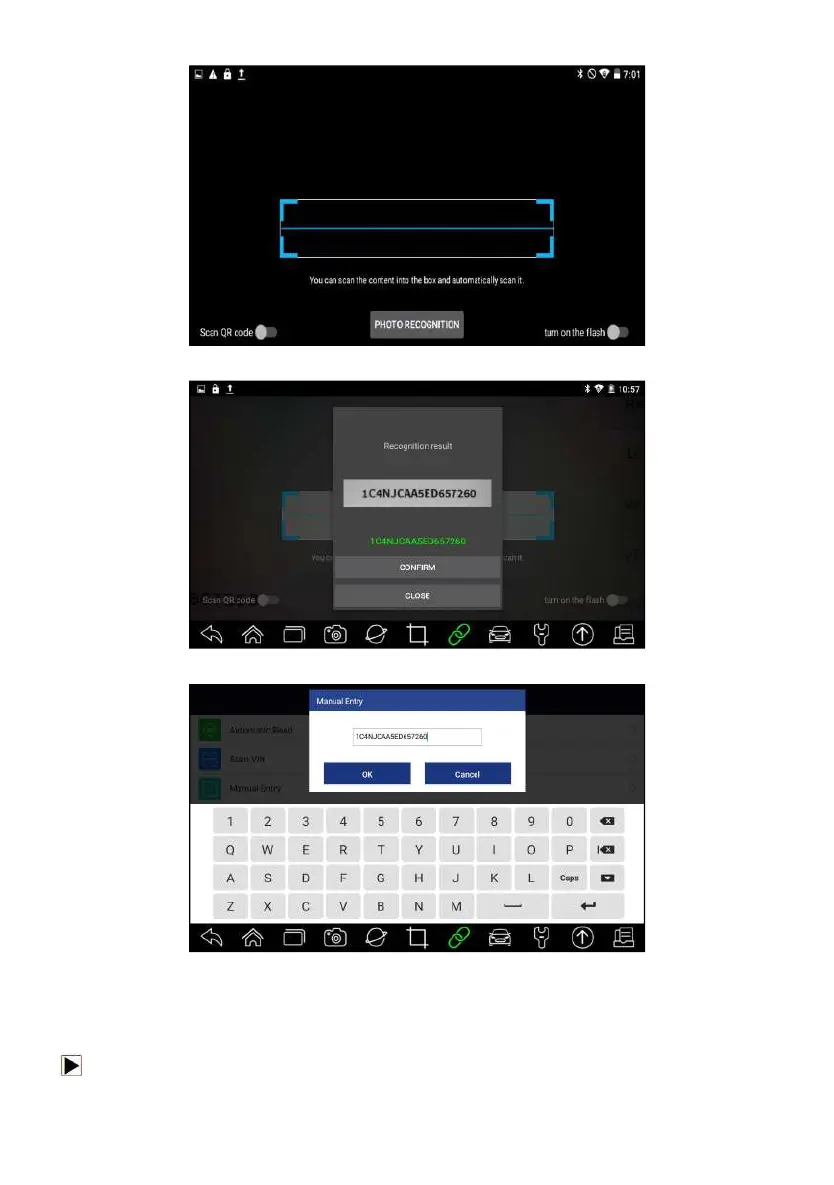
Figure 4-5 Sample Scan VIN Screen
Figure 4-6 Sample VIN Confirmation Screen
Figure 4-7 Sample Modify VIN Screen
4. If failed, please click Close to quit and input the VIN manually.
4.1.2.2 Scan Barcode/QR Code of VIN
To identify a vehicle by Scan QR Code:
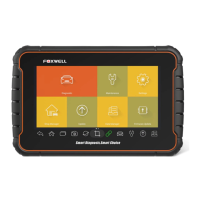
1. Select Diagnostic from home screen of the GT60 application.



 To Next Page