47
Next Generation Diagnostic Platform GT60 User's Manual V1.01
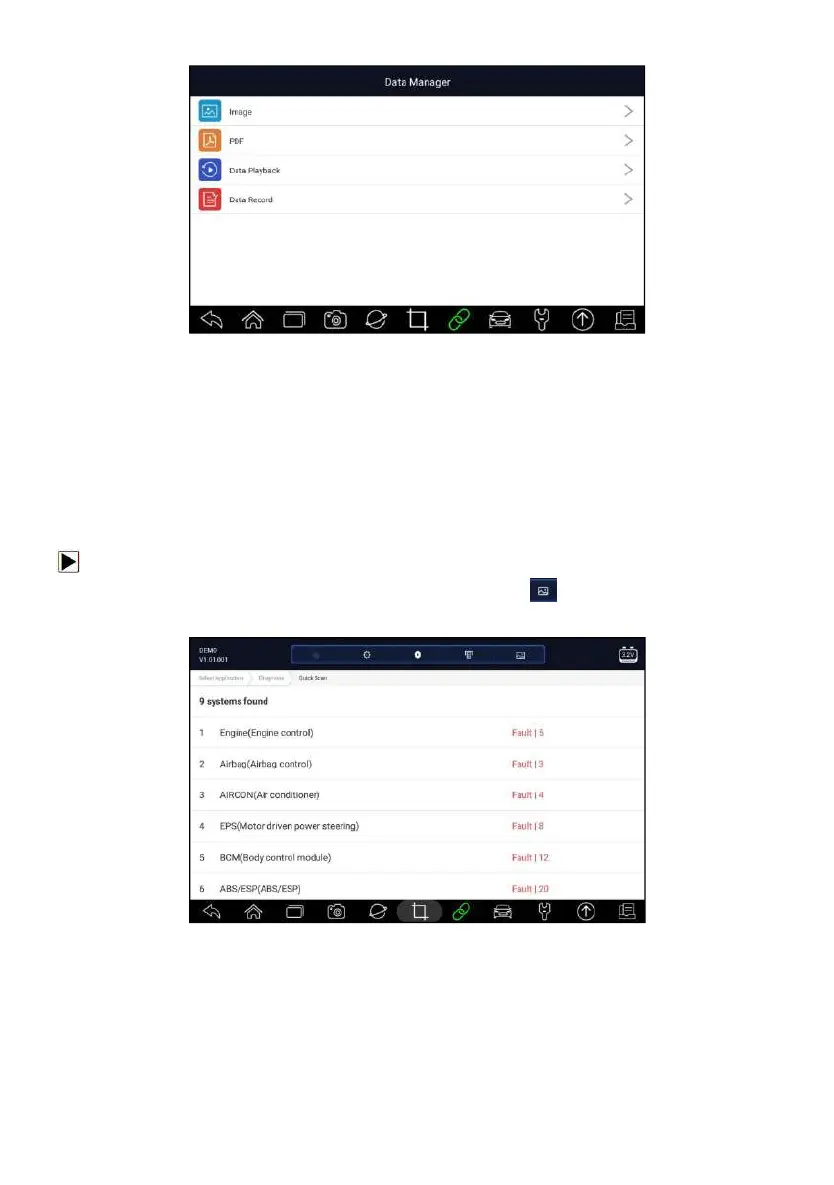
Figure 7-1 Sample Data Manager Screen
7.1 Image
Image option leads to screens for review of stored screenshots. In case a
failure of GT60 application or the Android system occurs, please just take a
screenshot and send it to our team to help with the troubleshooting.
7.1.1 How to Save an Image
To take a screenshot:
1. If want to save data of current screen, press at the title bar to take a
screenshot.
Figure 7-2 Sample Screenshot Screen
2. Add a description of the image, and press the OK to save.



 To Next Page