53
Next Generation Diagnostic Platform GT60 User's Manual V1.01
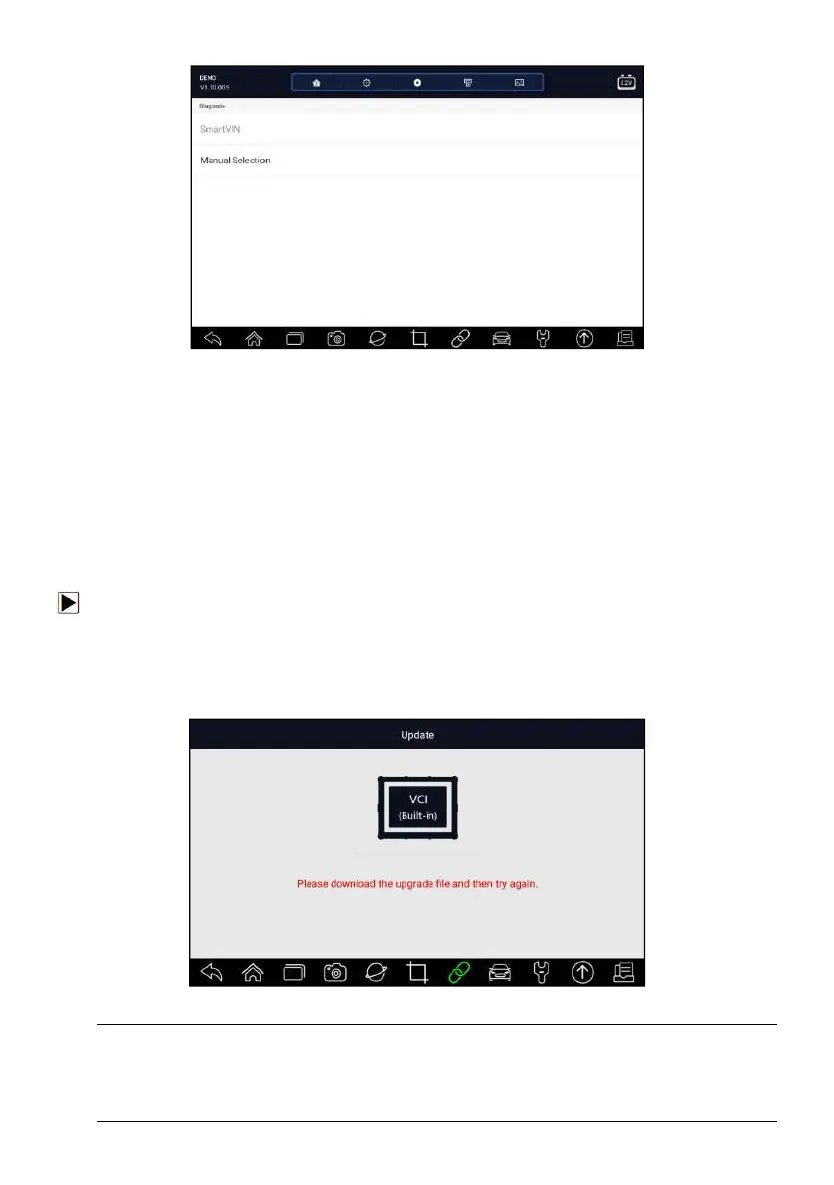
Figure 7-13 Sample Data Logging Screen
2. Click the Data Logging icon again to stop the recording and data log
record will be saved automatically.
3. Go to Data Manager -- Data Record to view the stored logs.
8 Firmware Update
This application allows you to update the firmware of GT60.
To update the firmware:
1. Click the Firmware Update application on the GT60 home screen.
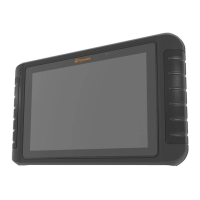
2. It will start the update automatically if there is an update available. If
update failed, please follow the on-screen instructions to troubleshoot and
repeat the update.
Figure 8-1 Sample Firmware Update Screen
NOTE
If there is a firmware update available, the update file will be downloaded and
saved automatically when you try to update the diagnostic software. And you
will be prompted to upgrade the firmware.



 To Next Page