15
4 LAYOUTS & SWITCHES
FC-6 DEFAULT LAYOUTS
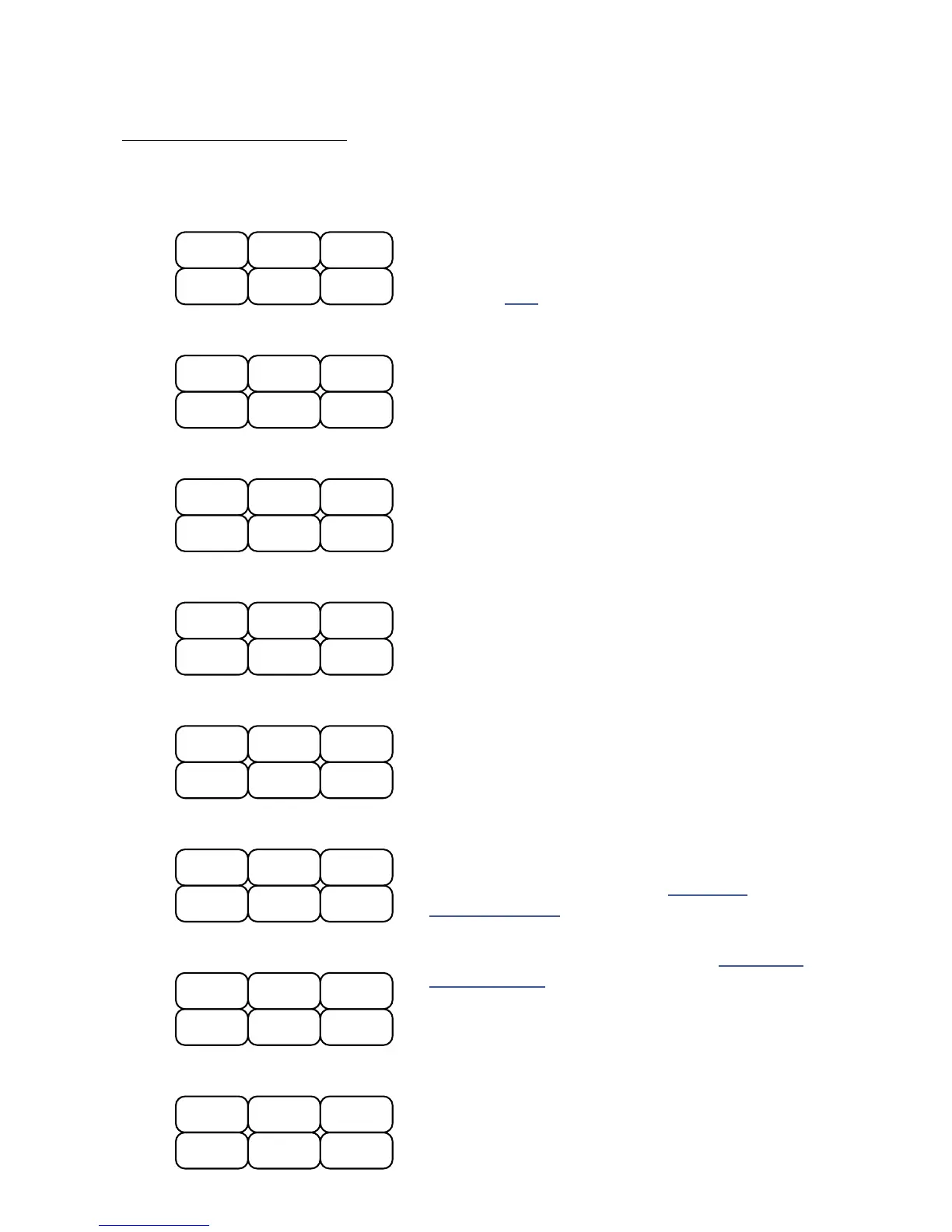
The default layouts for the FC-6 allow you to take the Axe-Fx III for a spin.
Layout 1: Presets is designed for switching/auditioning
presets. It shows four presets at once, with BANK UP and
DOWN switches to get to the next or previous four.
Bank Size (p. 24) is set to 4 when you load FC-6 defaults.
Layout 2: Scenes is designed for selecting scenes 1–6.
Layout 4: Effects is the second of two Effect layouts.
The <<MORE footswitch loads Layout 3 (above).
Layout 6: Per-Preset demonstrates per-preset “placeholder”
switches (as compared to per-preset “overrides”).
You will need to create switch denitions in your
presets for this layout to work. See “Per-Preset
Functions” on p. 34 for more on this topic.
Layout 3: Effects is the rst of two Effect layouts
to “Bypass/Engage” effects. The MORE>>
footswitch loads Layout 4 (below).
Layout 5: Looper offers essential Looper controls.
Layouts 7 & 8 are examples to accompany “FC-6: Short
Tutorial” on p. 44. They represent one possible idea for
a simple FC-6 performance layout. Here’s an overview: the
“EFFECTS” and “MAIN” switches toggle between layouts
7 and 8. If you hold the lower right switch, it will show you
all other Hold functions. Effect “Instant Access” switches
toggle between channels A and B when you press and hold.
Bank +1
Bank -1
PRESETS
P3 P4
P1 P2
1
S6
S3
SCENES
S4 S5
S1 S2
2
MORE >>
(Loads Layout 4)
Chorus 1
EFFECTS 1
(effect bypass)
Delay 1 Reverb 1
Comp 1 Drive 1
3
<< MORE
(Loads Layout 3)
Flanger 1
EFFECTS 2
(effect bypass)
Rotary 1 Plex 1
PanTrem1 Phaser 1
4
Half SpeedUndo
LOOPER
Reverse
Once
Record Play
5
PP#6
PP#3
PER-PRESET
PP#4 PP#5
PP#1 PP#2
6
(Loads Layout 8)
Preset +1
S3
PERFORM 1
Preset -1
<EFFECTS>
S1 S2
HOLD:Reveal
7
<MAIN>
(Loads Layout 7)
TAP:
Tempo
HOLD:Tuner
Reverb 1
HOLD:Reveal
PERFORM 2
Chorus 1
Drive 1 Delay 1
8



 To Next Page