16
4 LAYOUTS & SWITCHES
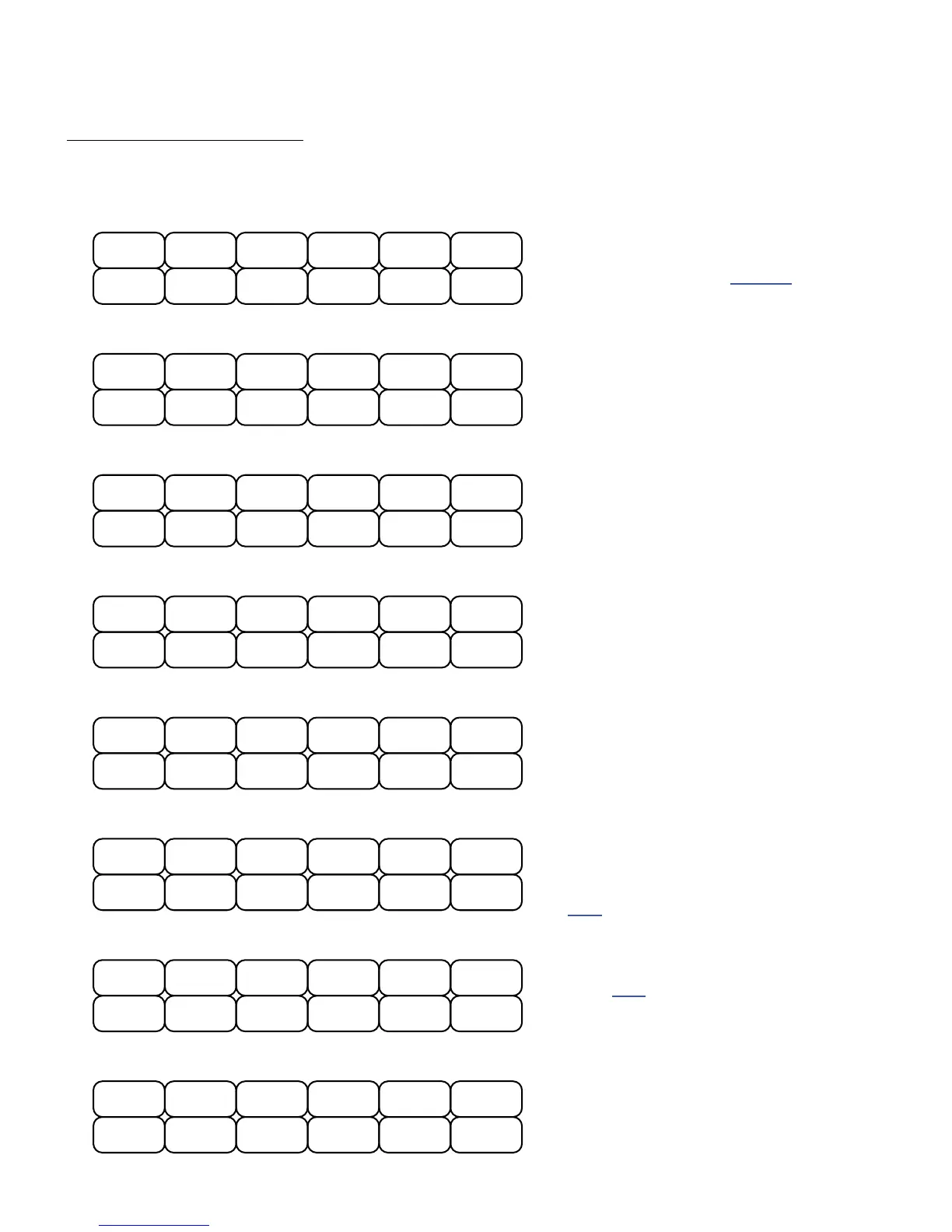
Layout 1: Presets is designed for switching
or auditioning presets, with BANK UP and
DOWN switches. Bank Size (see p.24) is
set to “10” when you load FC-12 defaults.
Layout 2: Scenes is designed for selecting
scenes 1–8, with bonus switches for
changing presets, Tap Tempo, and Tuner.
Layout 4: Channels is a simple demo of
Amp, Drive, and other channel switching.
Layout 6: Per-Preset demonstrates
per-preset “placeholder” switches (as
compared to per-preset “overrides”).
You will need to create switch denitions in
your presets for this layout to work.
See p. 34 for more on this topic.
Layout 3: Effects allows you to bypass
or engage twelve different effects!
Layout 5: Looper offers every control on
the Looper block, plus Looper Bypass/
Engage, Tap Tempo, and Tune.
Layouts 7 & 8 are examples covered by the
tutorial on p. 46.They show one idea for
a simple FC-12 performance layout. Here’s
an overview: the “EFFECTS” and “MAIN”
switches toggle between layouts 7 and 8. If
you hold the lower right switch, it will show
you all other Hold functions. All effect
switches toggle between channels A and B
when you press and hold.
FC-12 DEFAULT LAYOUTS
The default layouts for the FC-12 illustrate some of the many ways it can control the Axe-Fx III.
The default Bank Size of 10 is recommended for use with these layouts.
P8
P3
PRESETS
P6 P7
P1 P2
Bank +1
Bank -1
P9 P10
P4 P5
S7
S3
SCENES
S5 S6
S1 S2
Tap
Tune
S8 Preset +1
S4 Preset -1
2
CHANNELS
Amp 1 A Amp 1 B
Drive 1 A Drive 1 B
Drive 1 D
Amp 1 C Amp 1 D
Drive 1 C Reverb 1 A/B
Delay 1A/B Drive 2 A/B
Phaser 1A/B
4
Undo/Erase
--
LOOPER
-- --
Record Play
Looper
Bypass
Tune
Reverse
Half Speed
Once Tempo
5
PP#9
PP#3
PER-PRESET
PP#7 PP#8
PP#1 PP#2
PP#12PP#10 PP#11
PP#6PP#4 PP#5
6
Drive 1
EFFECTS
(effect bypass)
Chorus 1 Pitch 1 Delay 1
Comp 1 TremPan 1
Rotary 1
MultiDly 1 Plex 1 Reverb 1
Phaser 1 Flanger 1
3
TAP:Tempo
HOLD:Tuner
S2
PERFORM 1
S1
(Loads Layout 8)
<EFFECTS>
P3P1 P2 P4 Preset +4
Preset -4
S3 S4
7
HOLD:Reveal
(Loads Layout 7)
PERFORM 2
Tap FX switches for Bypass. Press and hold to toggle between Channels A and B
8
Phaser 1
<MAIN>
Delay 1Flange 1 Plex 1
Comp 1 PanTrem 1
Amp 1 A/B
HOLD:Reveal
Rotary 1 Reverb 1
Drive 1 Chorus 1



 To Next Page