Configuring
Page 45
My Settings
1 Set Machine
1.1 Language
Parameters Value range Remarks
Operating mode:
Usage scenario
• Non-self-service
• Self-service
Operating mode • Quick Select
• Inspire Me
• Cash Register
• For the Self-service usage scenario, a selection can
be made between Quick Select and Inspire Me
• The only operating mode available in the non-self-
service usage scenario is Cash Register
Products per page • Cash Register: 4, 9, 16
• Quick Select/Inspire
Me: 6, 12, 20
• Number of products displayed simultaneously
• Default: 16 or 12
Adapt drinks Yes/No • Possibility for self-service customers to modify the
selected drink in accordance with the allocation of
the selection buttons
• Default: No
Custom images Yes/No • Activate customer-specific images
• For the Self-service usage scenario, Quick Select
and Inspire Me operating modes
• Default: No
Options:
Display the cancel button
Yes/No Display the button for canceling the product
• Default: No
Acoustic signal for drink
preparation
Yes/No
• Beeps when the product is ready
Acoustic signal for error
messages
Yes/No • Beeps in a 3-second cycle if a resource is missing
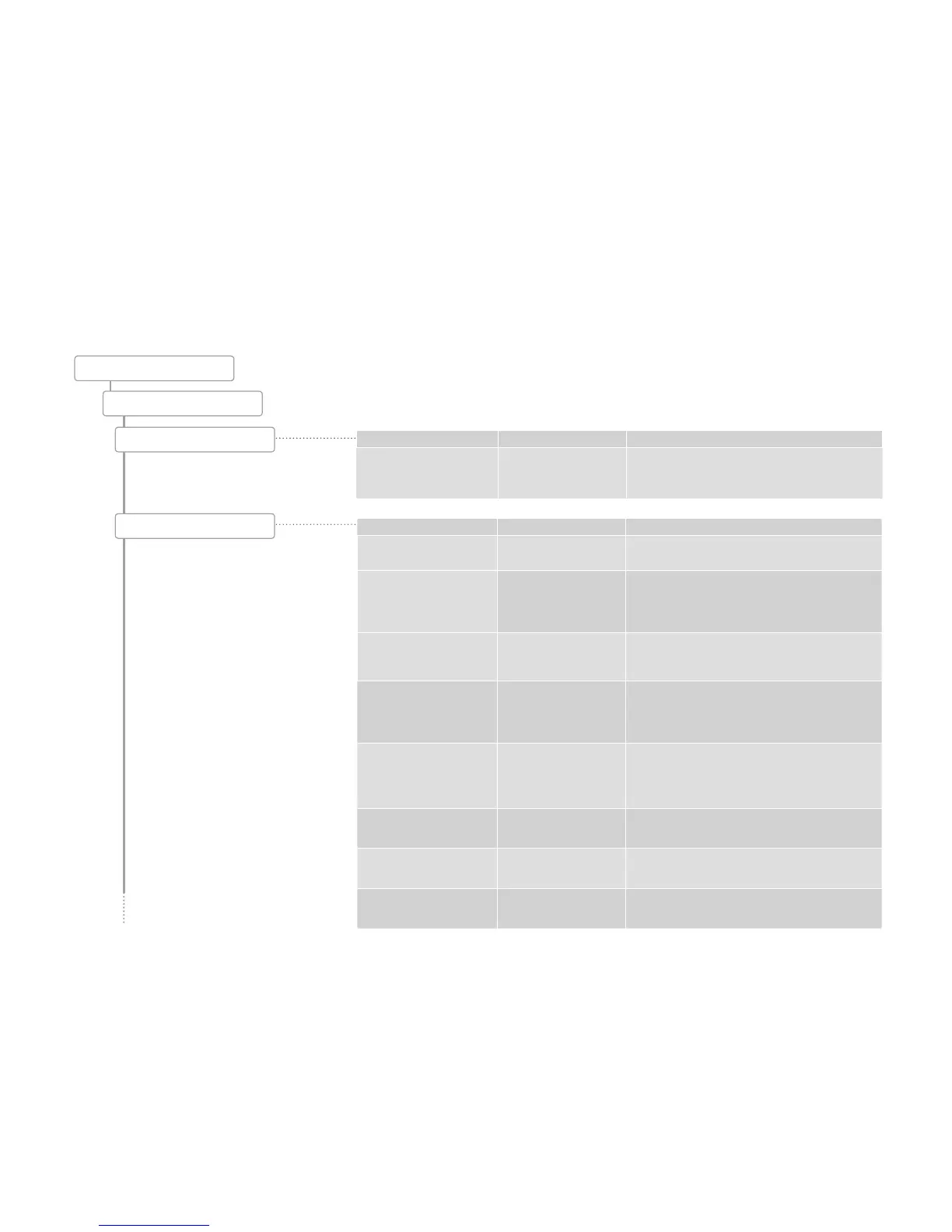
My Settings
Set machine
1.2 Operating mode
Parameters Value range Remarks
Select language de, en, fr, nl, da, fi, no, sv,
pl, cs, uk, ru, ...
• The language is switched immediately on the user
interface
• Default: de (German)



 To Next Page