Individualization and data transfer
Page 56
For the use of audio fi les and video fi les, please contact
your Franke sales representative.
Media
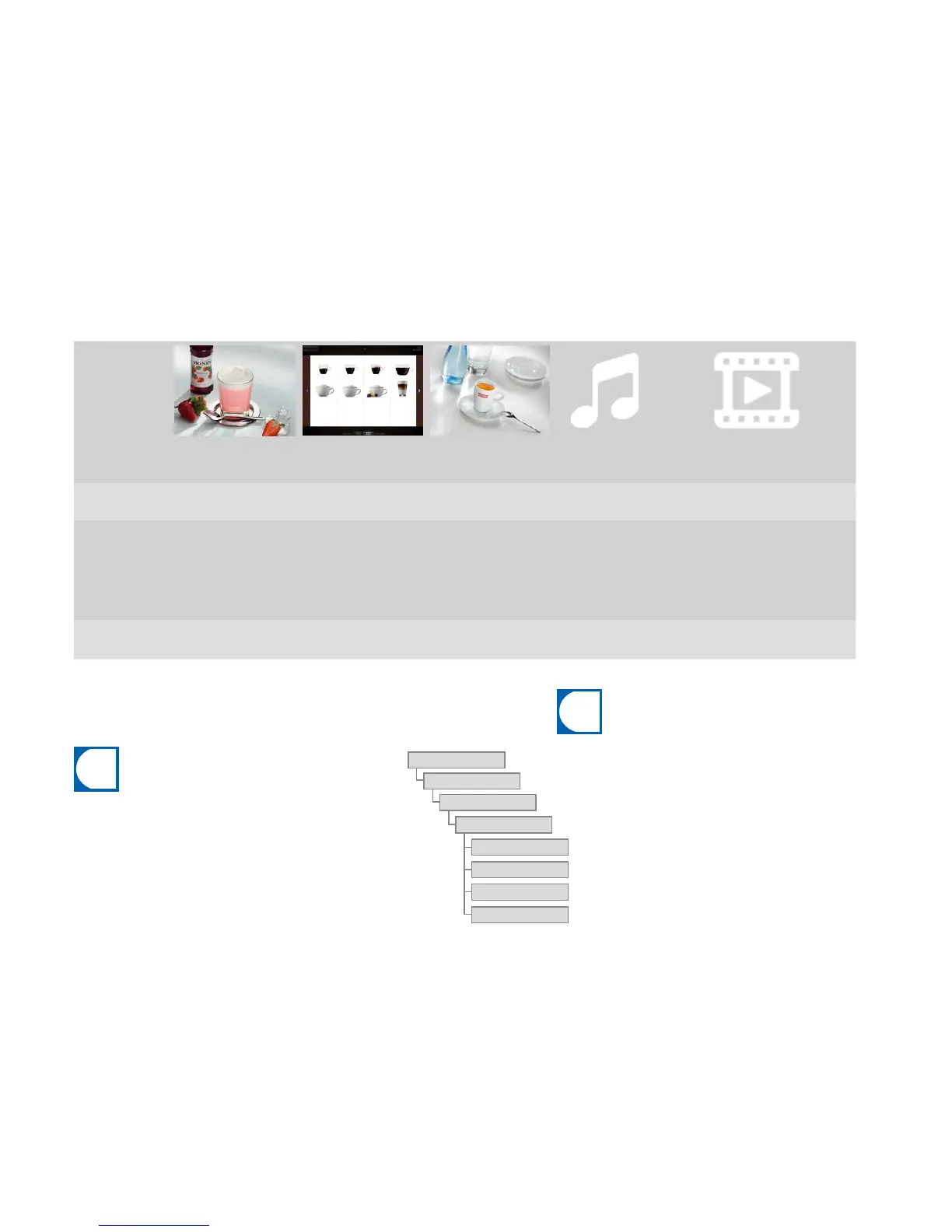
Advertising images
(Advertising media)
Product images Screen saver Audio fi les
Video fi les
(Advertising media)
Size
800 x 600 px 430 x 274 px 800 x 600 px --- Max. 800x600px (4:3) or
800x450px (16:9)
Data formats PNG with 24-bit PNG with 24-bit and 8-bit
alpha channel if necessary
PNG with 24-bit MP3
Bit rate: max. 128kbps
Sampling frequency: max.
44.1kHz, 16bit (stereo)
Speaker connection: 3.5 mm
rca jack
AVI (Codec H263, DivX/Xvid,
MPEG-4 Part 2)
Bit rate: max. 200kbps
Image frequency: max. 25fps
Storage location on
USB stick
Drive:\QML-Files\rc\cus-
tom\images
Drive:\QML-Files\rc\cus-
tom\drinks
Drive:\QML-Files\rc\cus-
tom\screensavers
Drive:\QML-Files\rc\custom\
audio
Drive:\QML-Files\rc\custom\
images
screensavers
images
drinks
audio
custom
rc
QML fi les
Drive
You must maintain a specifi c directory structure so that the A1000 can
recognize your media without diffi culty.
Create the folder structure one time, save it and it will be quickly
available.
You can also generate this directory structure automatically. For this,
use the menu item 1.8 Generate directory structure.
Required folder structure on the USB stick
Requirements for your own media



 To Next Page