Individualization and data transfer
Page 61
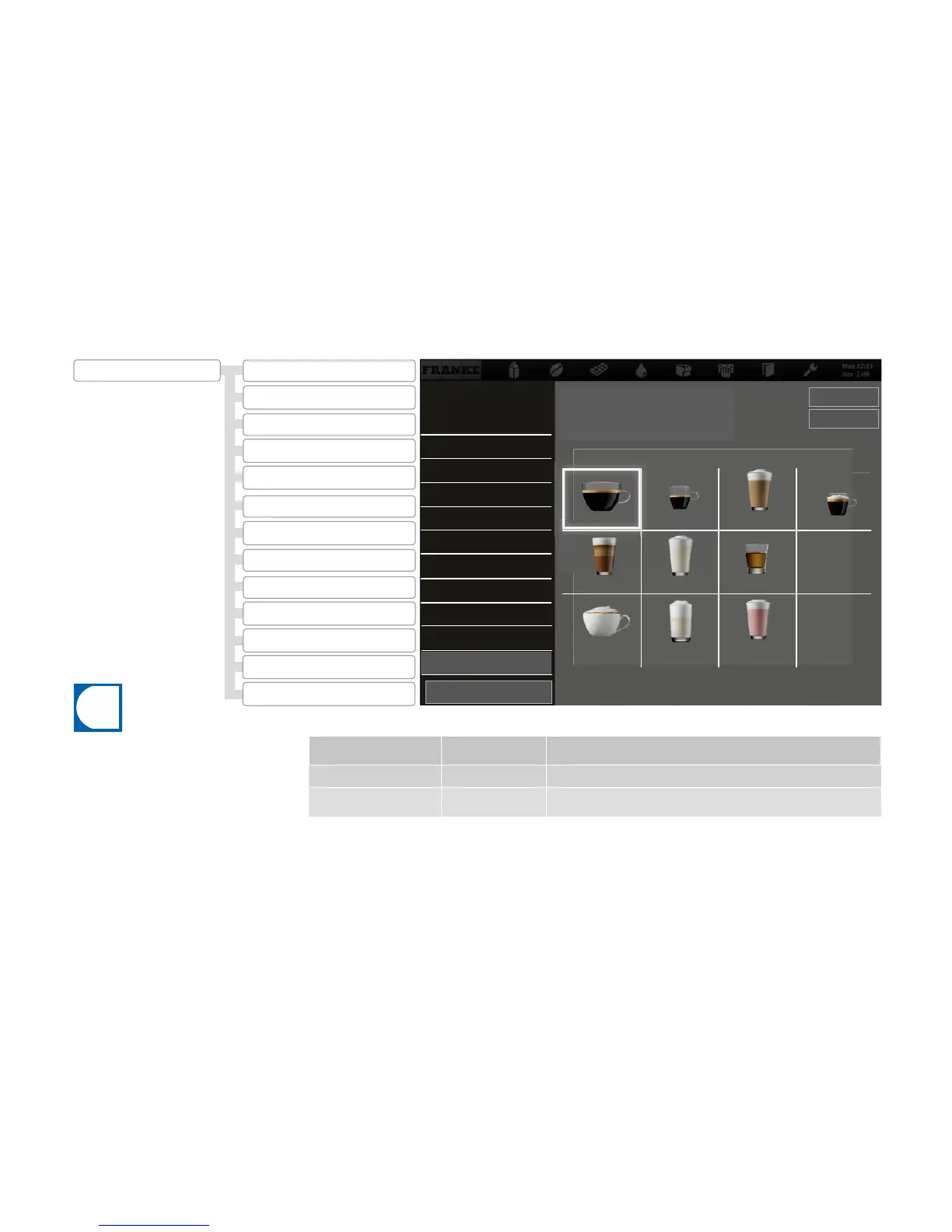
Desired action Menu item Information / Instruction
Select image
2.12
Tap the image and press Select image.
Remove image
2.12
Tap the image and press Remove image.
2.11 Sort Cash Register
2.13 Confi gure application
2.12 My Product Images
2.8 Audio sequences
2.11 Sort Cash Register
2.5 Menu cards
2.10 Sort Quick Select
2.4My Screen Saver
2.7 My Advertising Media
2.2 Image carousel
2.6 Advertising media
2.1 Activate drinks
2.9 My Audio Sequences
2.3 Screen saver
2.12 My Product Images
2.10 Sort Quick Select
2.9 My Audio Sequences
2.8 Audio sequences
2.7 My Advertising Media
2.6 Advertising media
2.5 Menu cards
Remove image
Select image
2.10 My Product Images
•An image must be assigned to each available
product.
•The images can be activated through the
menu item My Settings > Set Machine > Ope-
ration Mode.
•Products to which no image has been assig-
ned will be displayed without an image.
•You can either use the Franke images or your
own, but you cannot mix the two types with
one another.
2 Modify depiction
Assigning my product images
Flavor
Café Latte
Fruit Milk
Milk foam
Milk Berry
Espresso
Chococcino
Espresso macchiato
Cappuccino
Café Crème
Preview
Load images using Drag&Drop 2 to 20
2.3 Screen saver
2.4 My Screen Saver
Back
Adapt depiction



 To Next Page