19
1. Press and hold the Power button to power on your R871.
Your device's Wi-Fi function activates and automatically connects to the Internet.
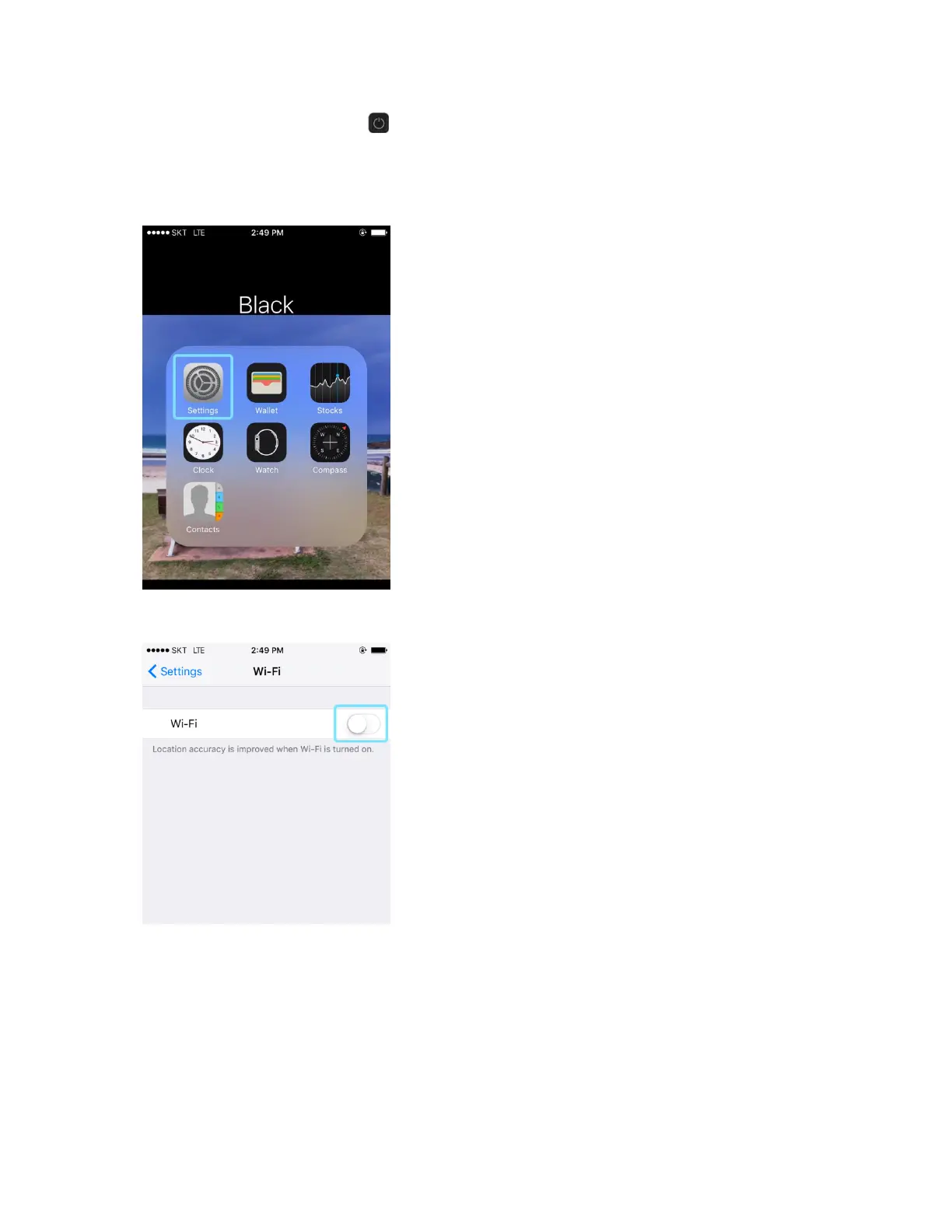
2. Select Settings > Wi-Fi.
3. Select Turn on Wi-Fi.
The iPhone or iPod Touch's Wi-Fi function activates.
4. In the Choose a Network list, tap your R871's Wi-Fi Name (SSID).
5. Enter the Wi-Fi password and then tap Join.
The iPhone or iPod Touch connects to your device. The connected status icon on your
device will show an additional device has been connected.



 To Next Page