8
Displays status indicators including connection status, signal strength,
devices connected, battery level, and more.
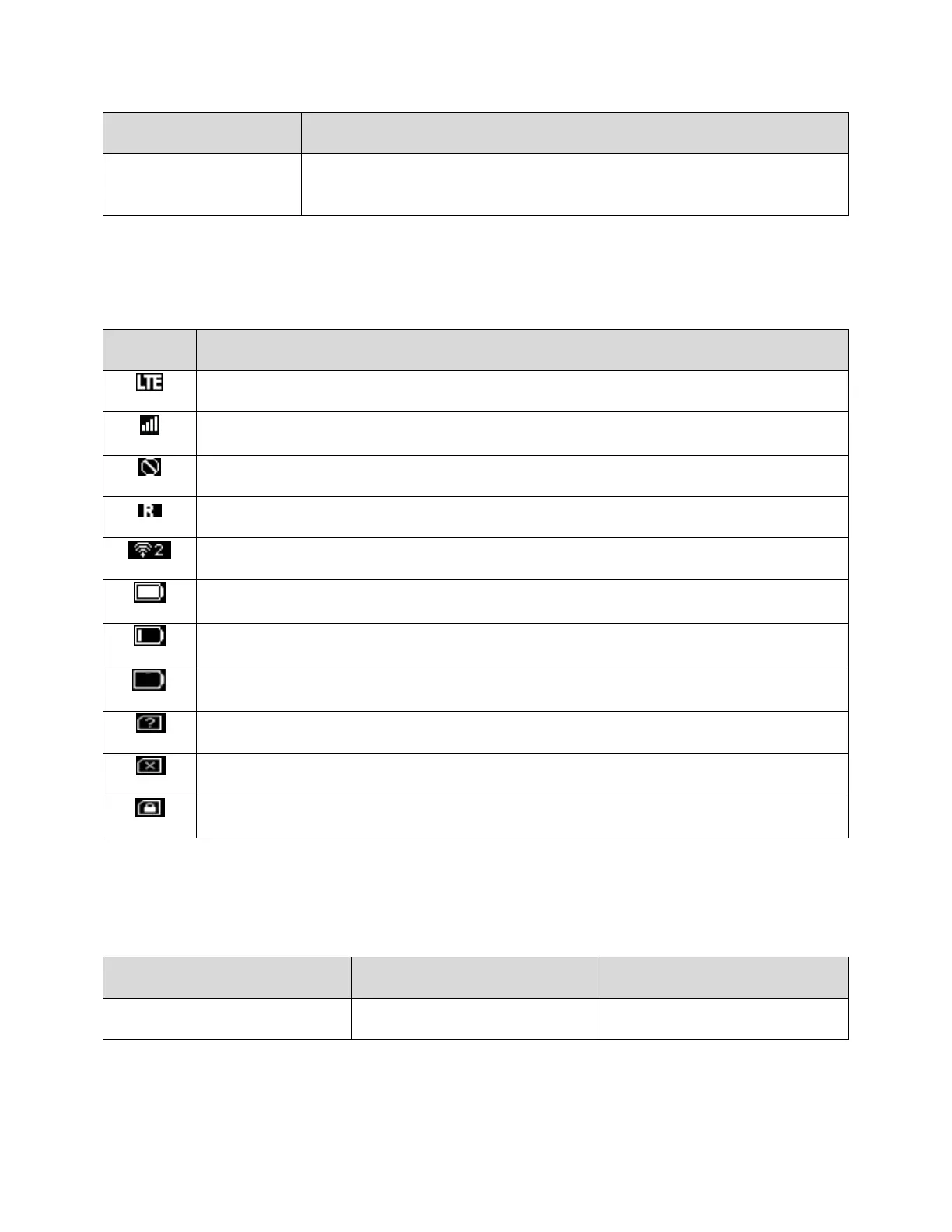
Status Bar Icons
The home screen's status bar may feature the following icons, depending on current status.
Mobile networks connected
Service signal strength. The more bars, the better service signal received
The number of connected WLAN devices
No battery. Battery icon blinking (charging required)
Data Transfer Volume and Transfer Speed
Note: Actual speeds depend on several factors, including network conditions.



 To Next Page