29
Mobile Settings
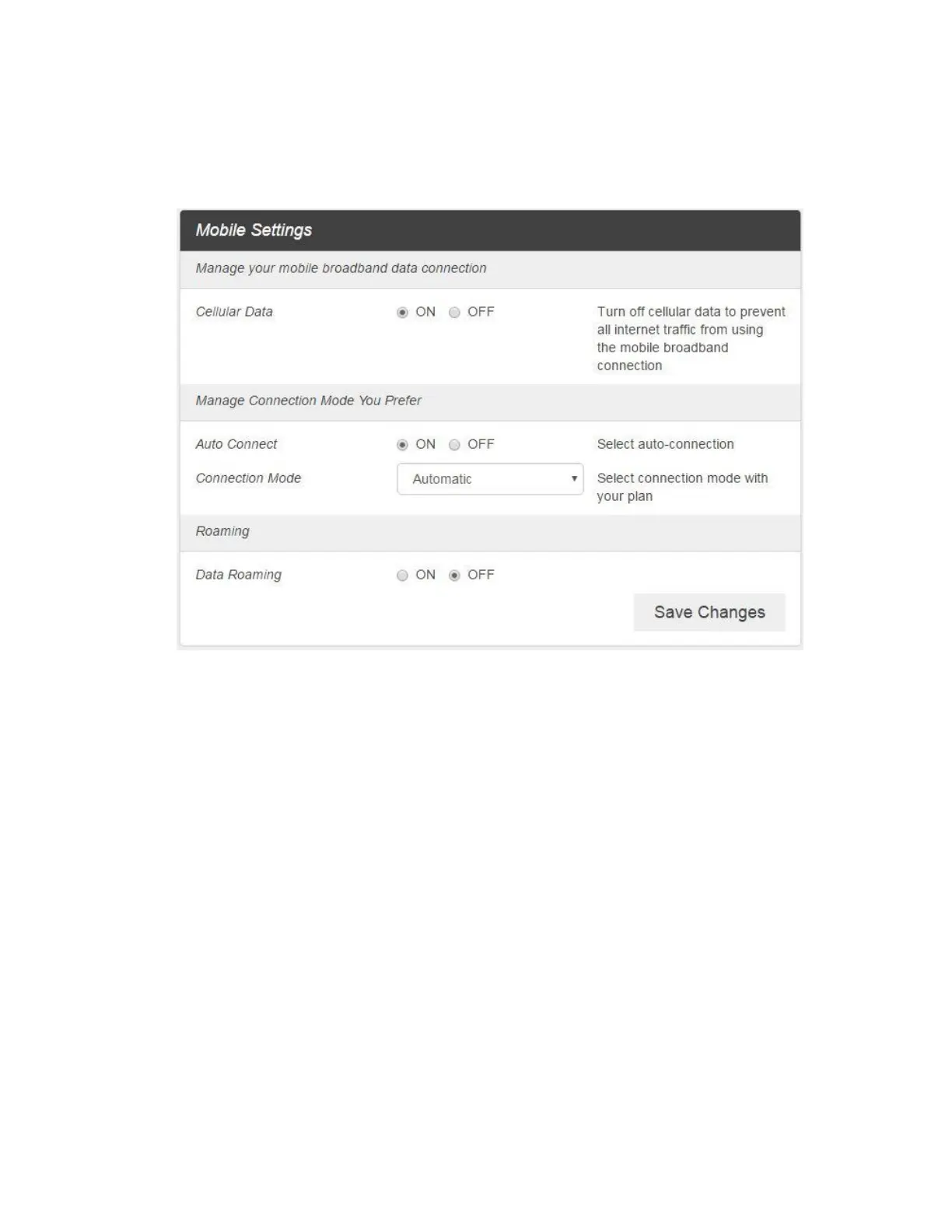
1. From the Web UI, click Settings > Mobile Network > Mobile Settings. The Mobile Settings page is
shown in the following figure.
Cellular data: Turn Cellular data on or off. Turn it OFF to prevent all Internet traffic from
using the mobile broadband connection.
Auto Connect: Turn Auto Connect on or off. And select connection mode with your plan.
Roaming: Turn Roaming on or off.
2. Click Save Changes to save your settings.



 To Next Page