32
■ Additional APN Options
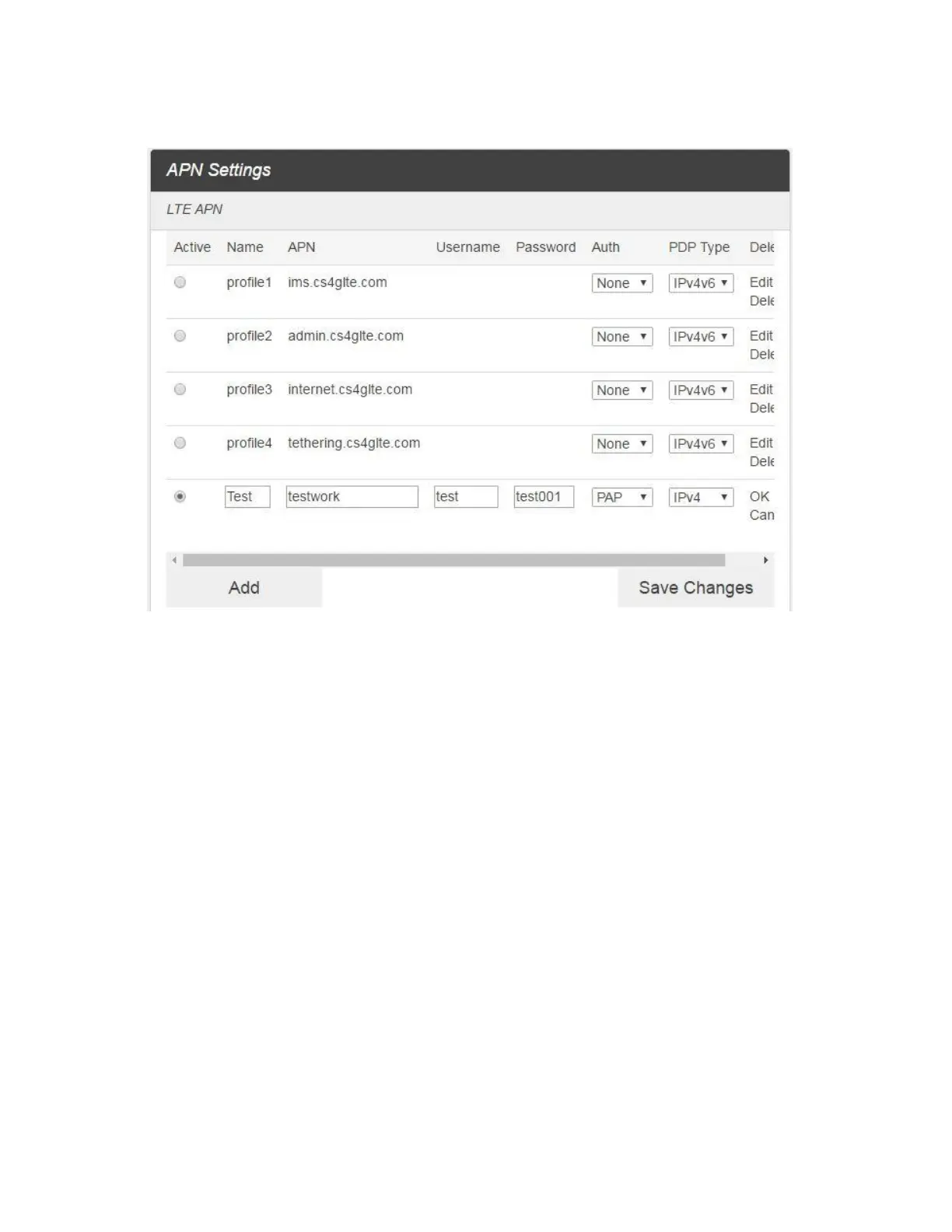
■ To activate the new APN, check the circle in front of it and then click Save Changes.
■ To edit the new APN, click Edit, change the settings, and then click Save.
■ To delete the new APN, click Delete.
Note: The default APN cannot be edited or deleted.



 To Next Page