35
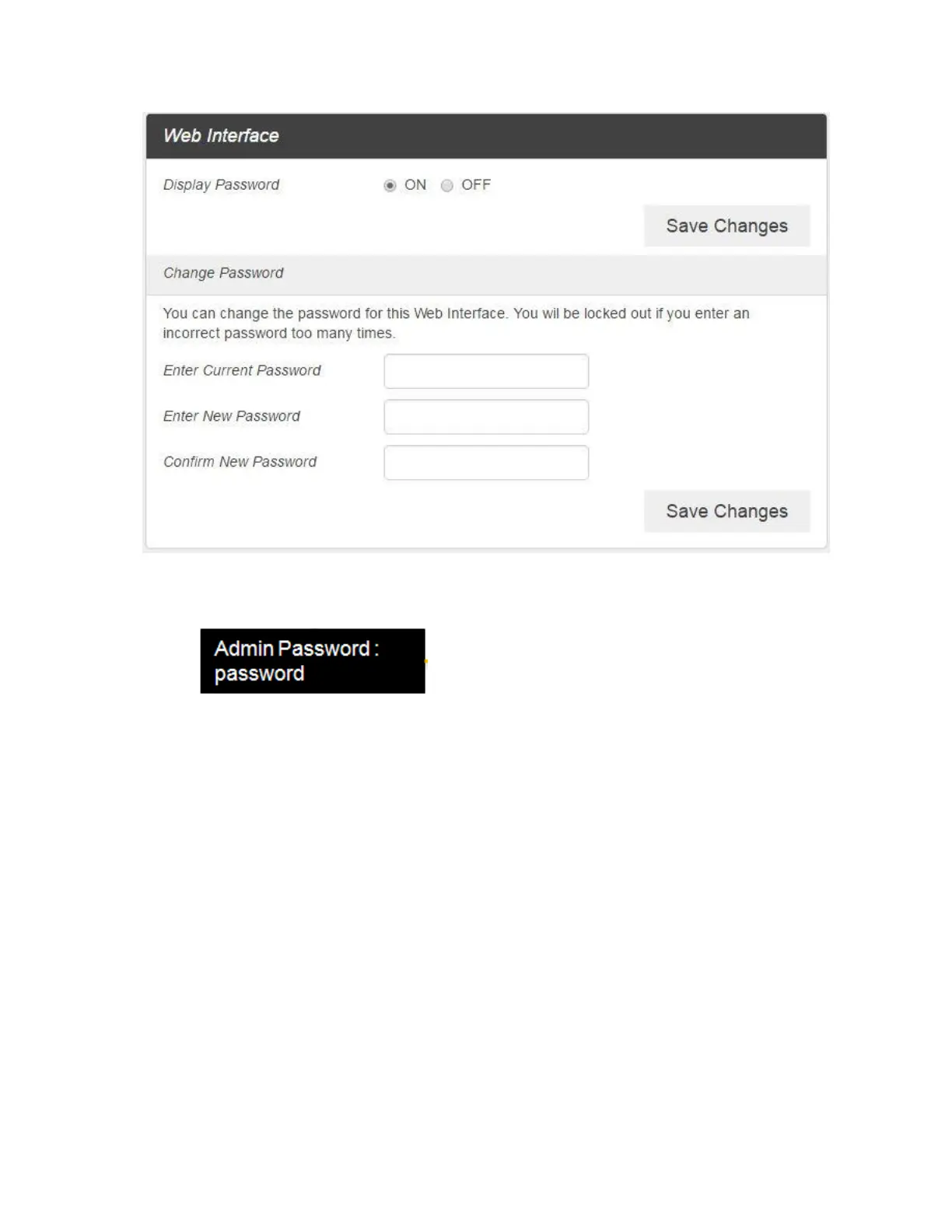
Display Password: If ON is selected, the Web Interface admin password is displayed on
your R871 device display menu.
Change Password
o Current Password: Enter the current password.
o New Password: Enter the new password.
o Confirm New Password: Enter the new password again.
2. Click Save Changes to save your settings.
Software Update
1. From the Web UI, click Settings > Device > Software Update. You can update the software on this
page.



 To Next Page