40
DHCP Lease Time: Define how long the leased IP address will be expired. The new IP
address will be relocated after the IP address is expired.
DNS manual mode: Turn DNS manual mode on or off.
NAT Timer: Set TCP NAT time.
2. Click Save Changes to save your settings.
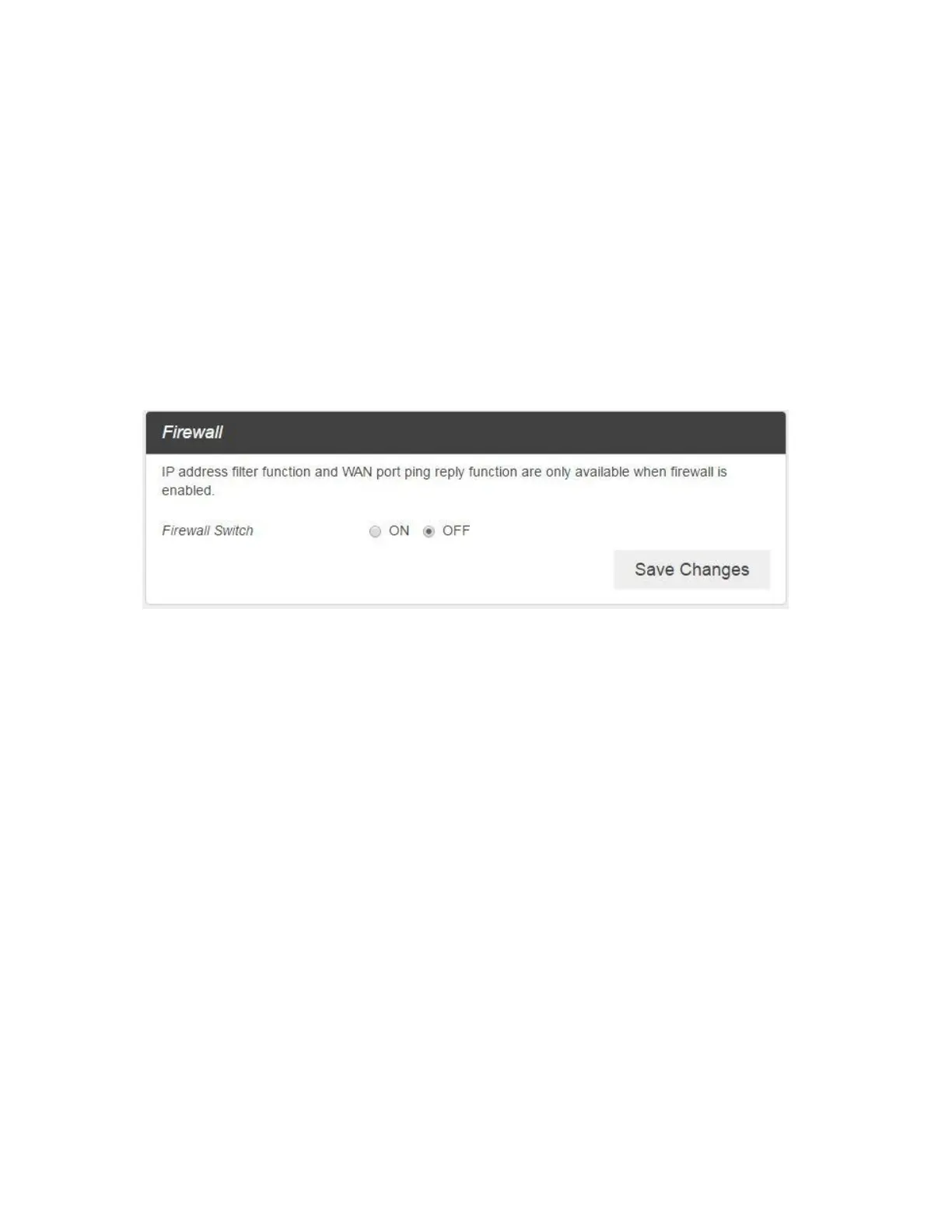
Firewall
1. From the Web UI, click Settings > Advanced Router > Firewall. You may set up firewall rules to
protect your network from virus and malicious activity on the Internet.
■ IP Address Filtering
To set IP Address Filtering rules, follow the steps below:



 To Next Page