27
Using the Thesaurus
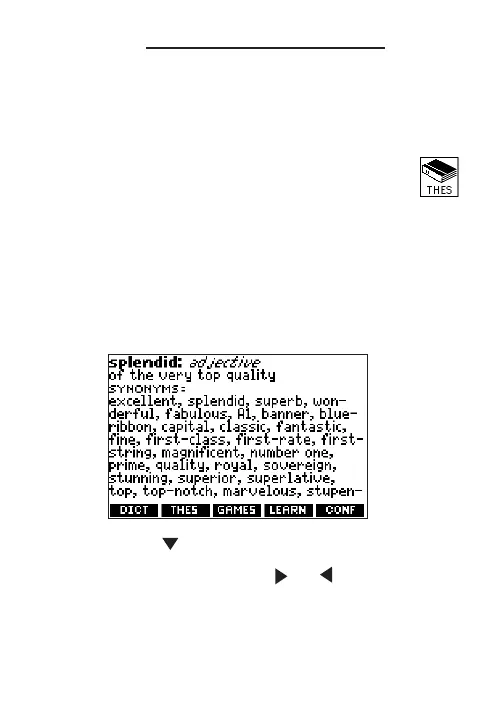
Thesaurus entries consist of synonyms,
antonyms, classmates and words to compare.
Many words have more than one thesaurus entry.
1. Press THES.
Or you can press MENU, highlight
and press ENTER.
2. Type a word (for example, splendid).
To erase a letter, press BACK. To type a
capital, hold CAP and press a letter key.
To type a hyphen, hold FN and press J.
3. Press ENTER to view the thesaurus entry.
4. Press or SPACE to read the entry.
5. Hold FN and press or to view the next
or previous thesaurus entry.
6. Press CLEAR when done.






 To Next Page