16
If eProfessional is congured with Autostart Operating Mode as the default setting, the following
operations must be performed:
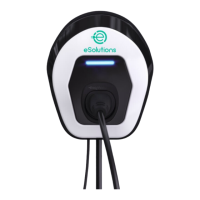
1. eProfessional is ready for charging when the LED is BLUE.
2. Insert the plug of the charging cable into the available socket on the device, until it is
fully engaged.
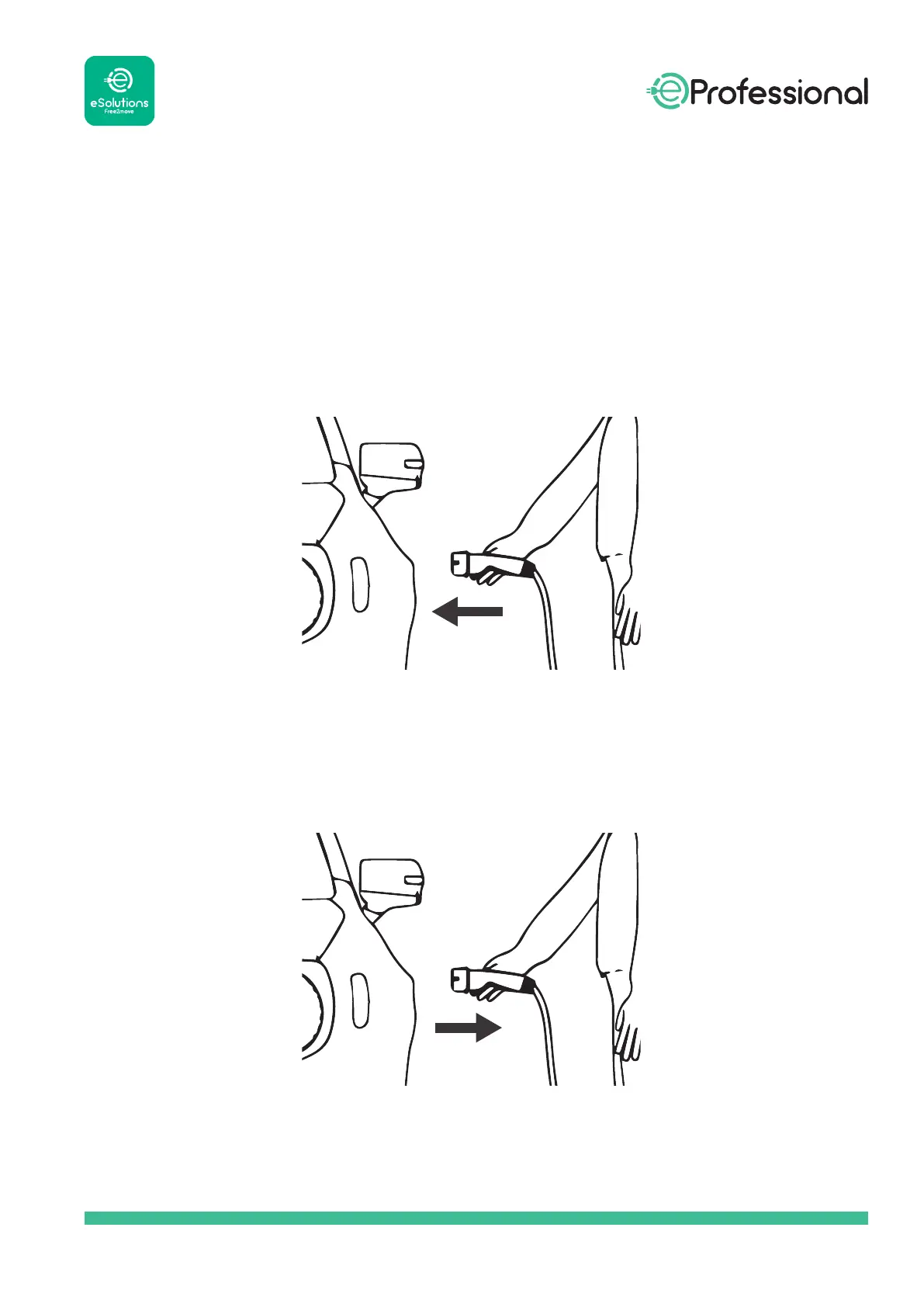
3. Insert the plug of the Type 2 cable in the Charge Port of the electric vehicle.
4. The device will lock the cable for the duration of the entire charging session.
5. The charging session starts, and the LED ashes GREEN.
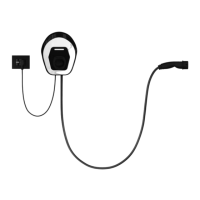
6. When charging is complete or you need to stop the charging process, unlock the electric
vehicle.
7. The charging cable can then be removed from the device and from the electric vehicle.
8. The product returns to its initial state, ready for a new charging session.


 To Next Page