13
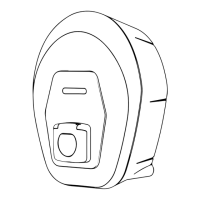
Thedevicedoesnothavestart/stopbuttons.Onceinstalled,itisreadytobeconguredviaApp.
Thisallowstheappropriateoperatingmodetobeselected,dependingonwhetherconnection
tothechargepointmanagementcentreisviatheapporinStandAlonemode,whenthe
followingconditionsarefullled:
correctinstallation,certiedbyqualiedpersonnel
regular status of the device.
Ifthedeviceisdamaged,followtheinstructionsbelowpreciselytohazardoussituations,
potentiallyresultingindamagetopersonsorthings:
avoid using the damaged device
clearly label the damaged device so other people do not use it
callaqualiedprofessionalpromptlysothedevicecanberepairedor,ifirreparably
damaged,takenoutofservice.



 To Next Page