17
ChargingcanbeaccessedintwoadditionalmodesiftheAuthenticationOperatingModeis
conguredwithanRFIDswipecardorviaapp.
1. Proceedaspertheinstructionsprovidedinthepreviouspoint,untilthecableisinserted
(step3).
2. PasstheuserRFIDcardovertheappropriatearea,orstartremotelyviaapp.
3. Charge the vehicle.
4. Whenchargingiscompleteorthechargingprocessneedstobestopped,pressthe
“Stop”buttononthewallboxdisplayofthedevice.Alternatively,theusermustswipethe
RFID user card over the designated area to allow the socket in use to be unlocked and
end the charging session. The charging process can be halted remotely via app.
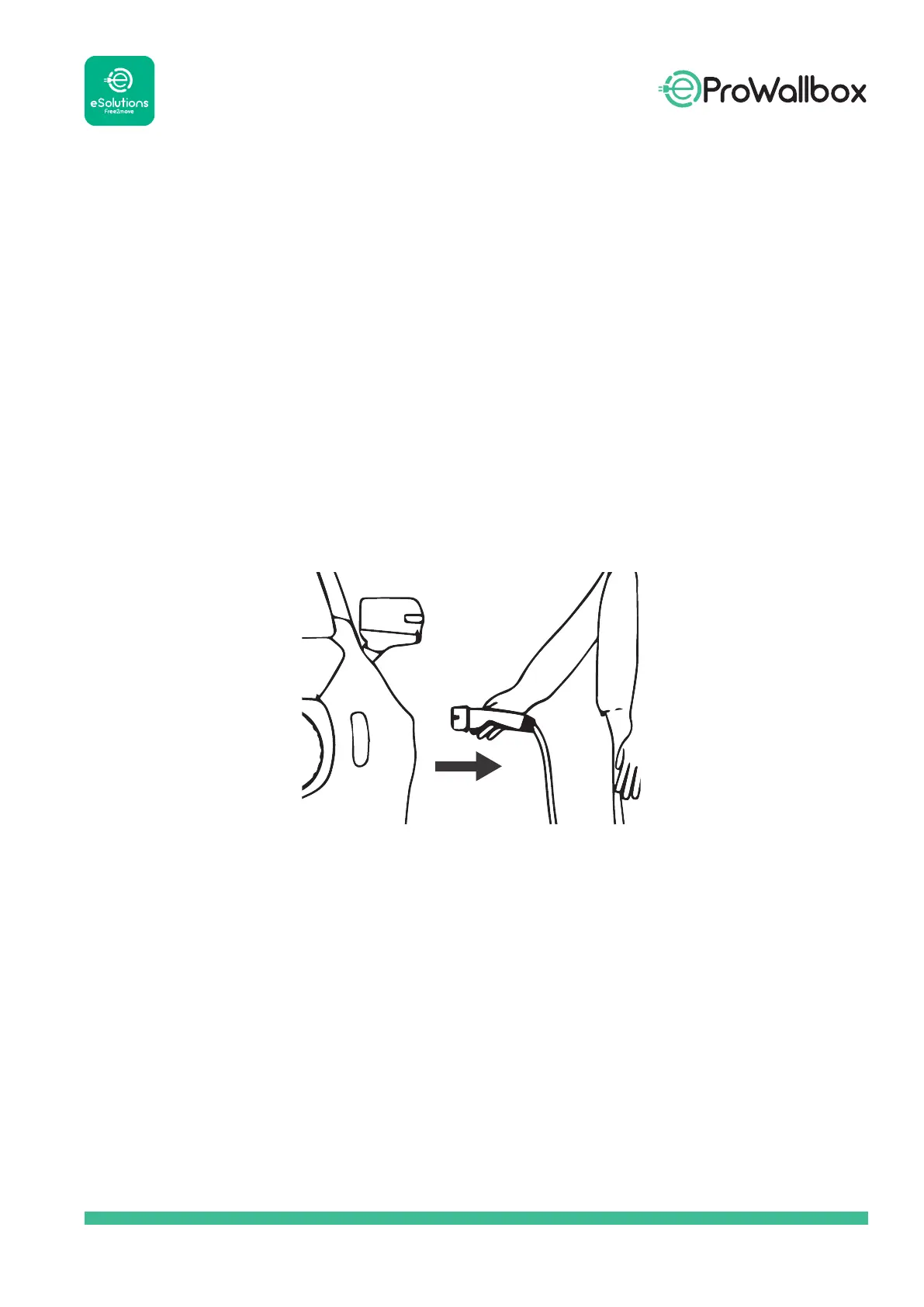
5. The charging cable can then be removed from the device and from the electric vehicle.
6. Theproductreturnstoitsinitialstate,readyforanewchargingsession.



 To Next Page