16
If eProWallboxisconguredwithAutostartOperatingModeasthedefaultsetting,thefollowing
operationsmustbeperformed:
1. The display of the wallbox must be in “Idle Mode” – ready for charging.
2. Inserttheplugofthechargingcableintotheavailablesocketonthedevice,untilitis
fully engaged.
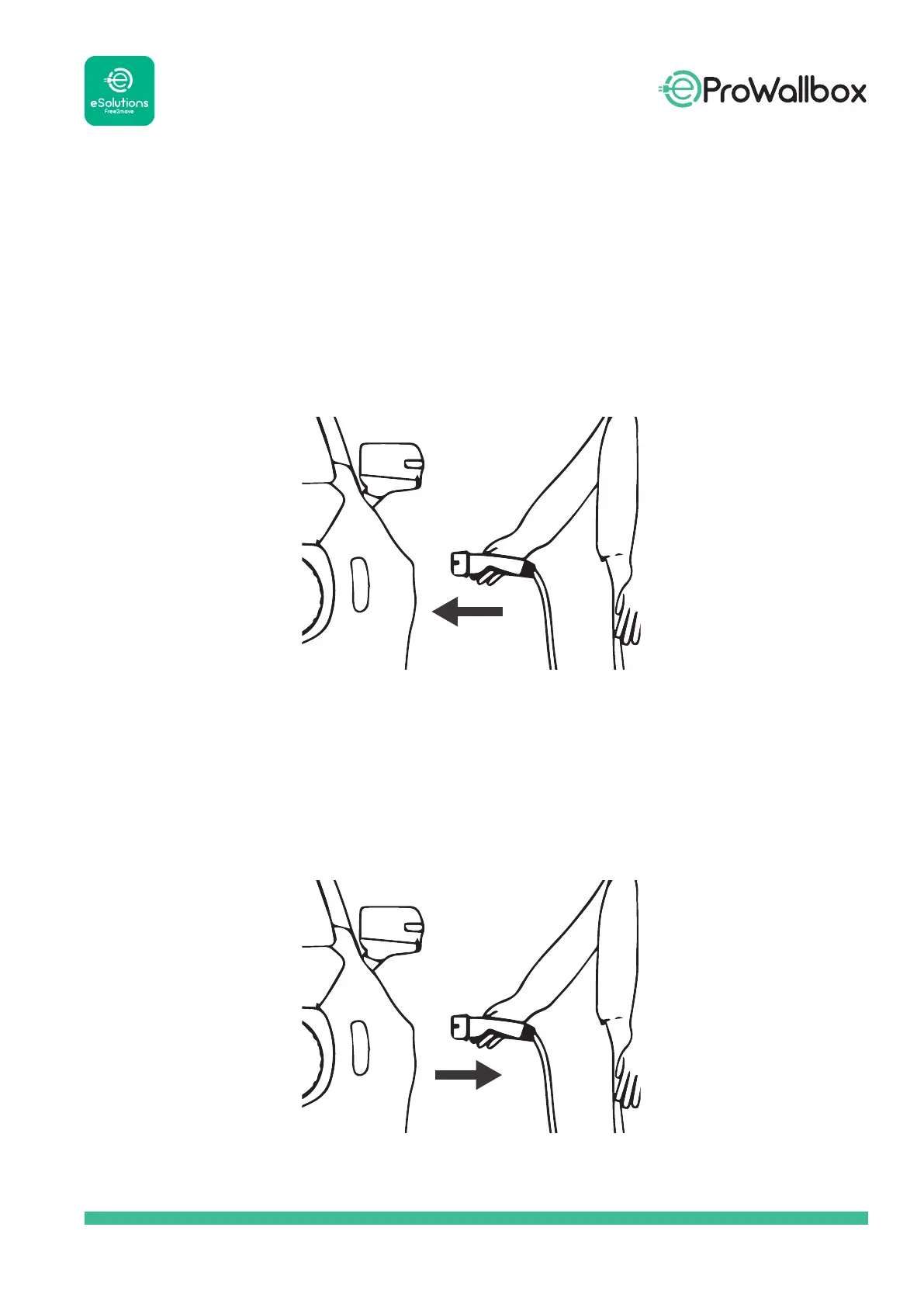
3. Insert the plug of the Type 2 cable in the Charge Port of the electric vehicle.
4. IfafaulterrorappearsontheWallboxdisplay,pleaseunplugthecablesandconsult
the Error List.
5. The device will lock the cable for the duration of the entire charging session.
6. Thechargingsessionstarts,andcharginginformationisdisplayedonthedisplay.
7. Whenchargingiscompleteoryouneedtostopthechargingprocess,pressthe“Stop”
buttonontheWallboxdisplayofthedevice.
8. The charging cable can then be removed from the device and from the electric vehicle.
9. Theproductreturnstoitsinitialstate,readyforanewchargingsession.



 To Next Page