19
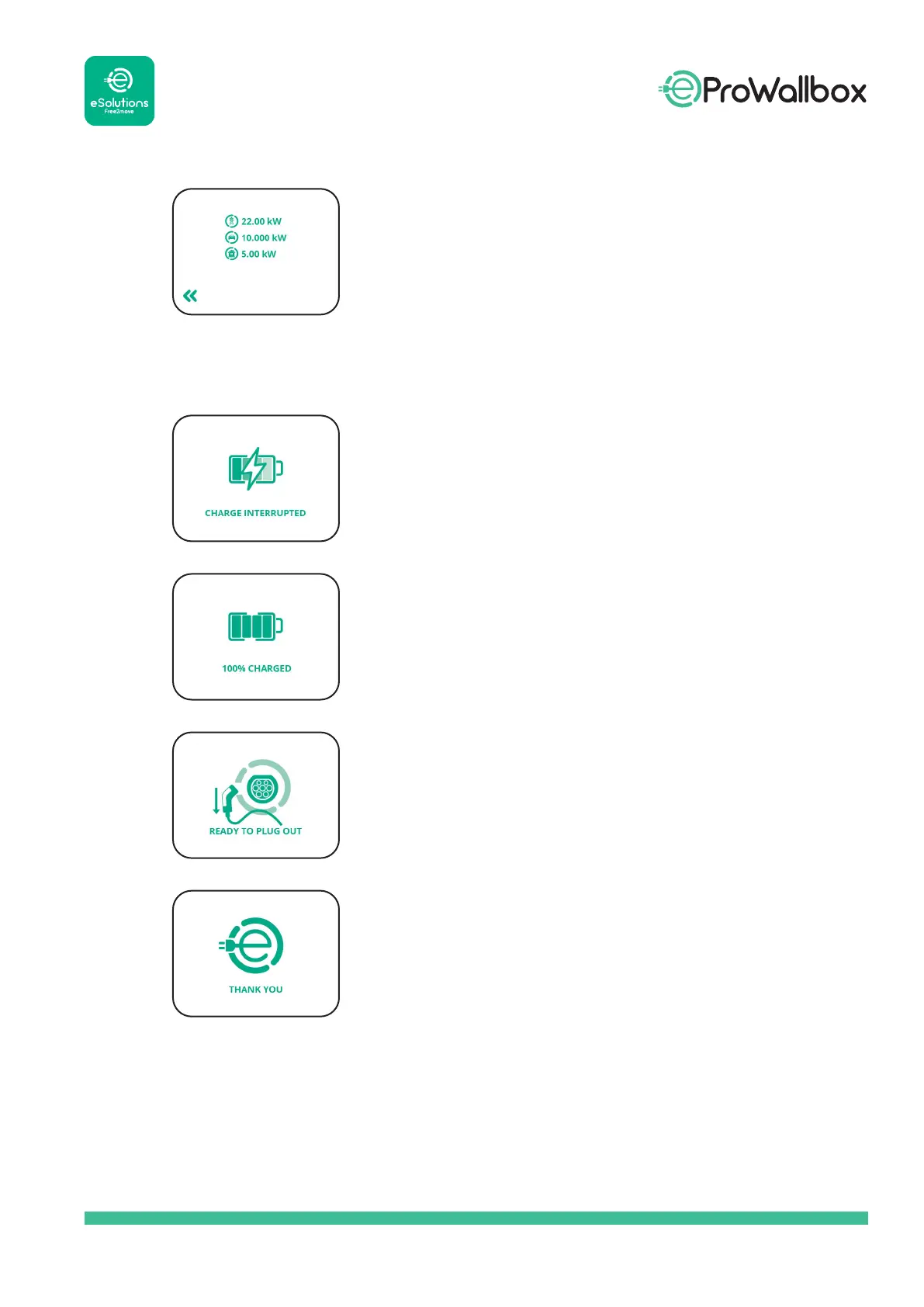
When the DPM function is enabled, to see more,
you can switch screens by toggling the arrows at
the bottom right of the screen.
Further data can be found here:
contract grid power
car power
home power
The screen will display this message if charging is
stopped before charging is 100% complete.
The screen will display this message when
charging is 100% complete.
When the wallbox has nished charging (or has
stopped), it indicates to plug out the cable.
Screen displayed when the entire charging
experience is over and the wallbox is about to go
into standby mode.



 To Next Page