GB
6
35
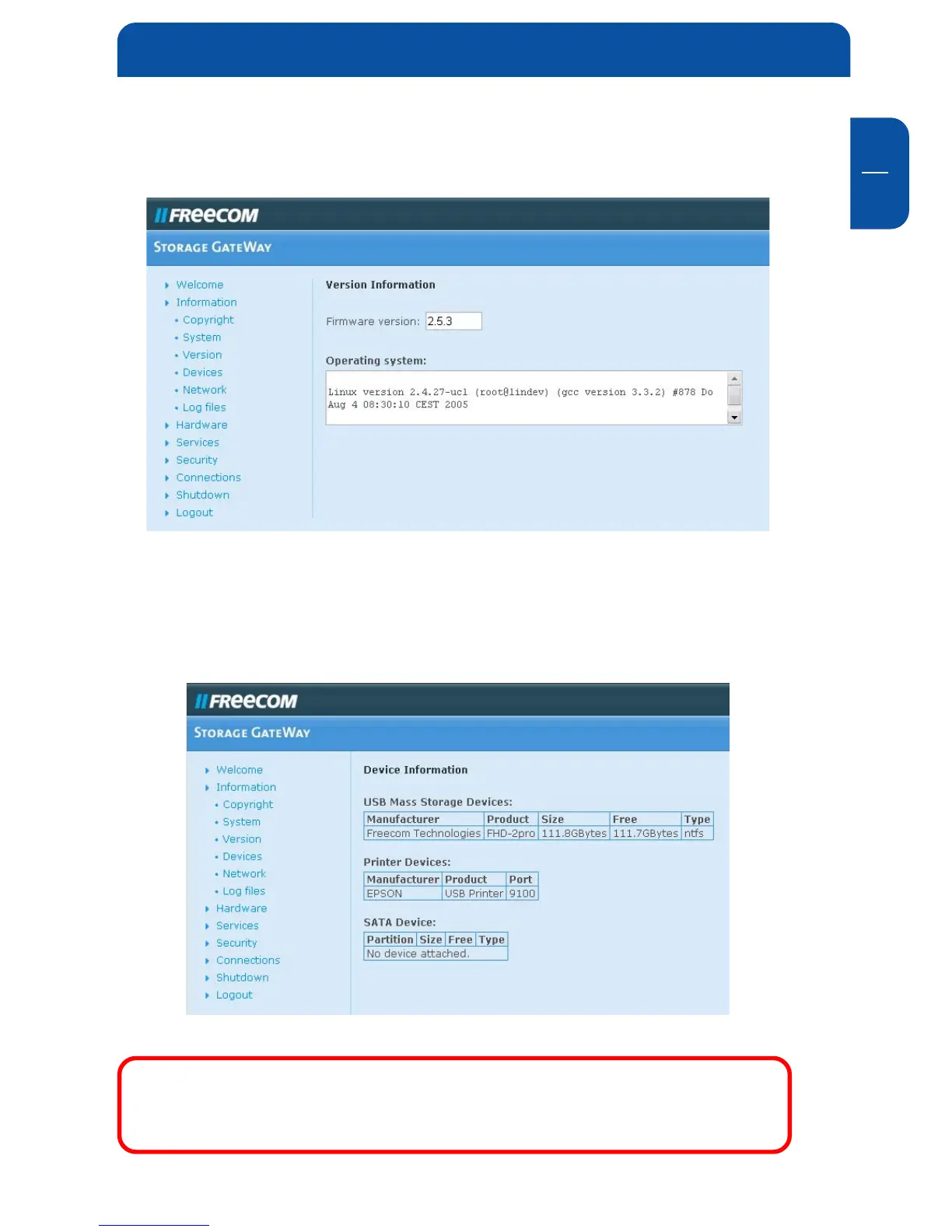
6.1.2 Version Information
This menu item shows the OS version of your FSG-3:
6.1.3 Device Information
All attached devices show up in this dialog. Please press refresh if the dialog does
not show a device you have just plugged in.
Remark: For S-ATA devices to be recognized by the FSG-3, the FSG-
3 needs to be shut down when connecting the S-ATA device. After
booting the FSG-3, the S-ATA device will then be recognized.
Configuration options explained


 To Next Page