• •
• Displayles
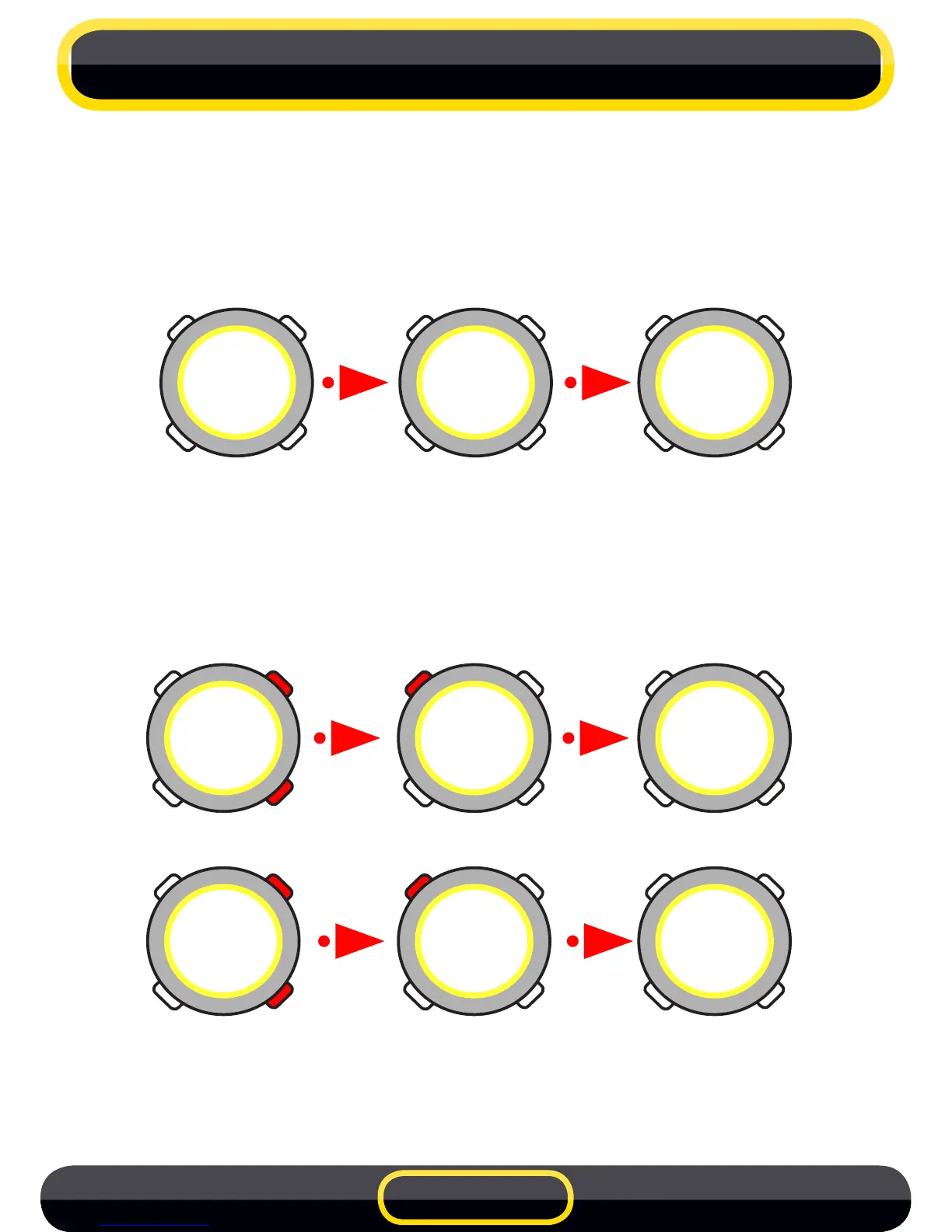
Switch to FILEmode by pressing the MODE buttontwice(must be in
TIME mode). The number of each stored le within the stopwatch
memory is shown on the screen, followed by the date and time it was
created (F1).
You can scroll through the stored les by pressing the UP or DOWN
arrowbuttons.OnceyouhavefoundtheleyouwanttoviewpressSEL/
LIGHT button (SELECT) to load.
IfyourlecontainsseveralLAPSoraSTOPyoucanscrollthroughthem
usingtheUPorDOWNarrowbuttons.
ToreturntotheleslistpresstheSEL/LIGHTbutton.
ToreturntoTIMEmodepresstheMODEbutton.
4 FILES
FILE
5
FILE
FILE
2-1
10:24''
F 1
2-1
10:24''
F 1
5-1
14:42''
F2
le selection
L1
00'35''
72
le check
L1
00'35''
72
L2
00'37''
64
LAPS selection
2-1
10:24''
F 1
back to les list
EN 8



 To Next Page