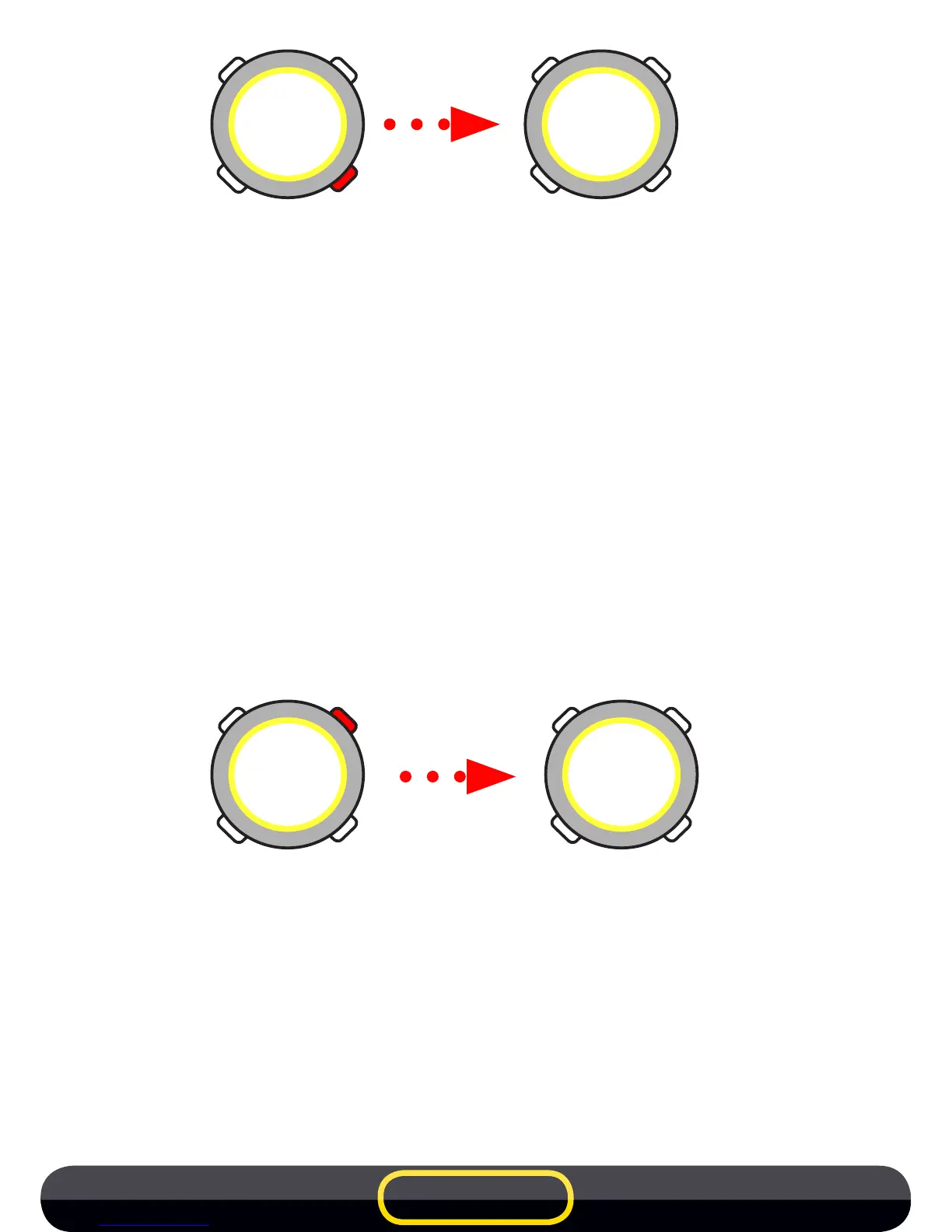
•
-RECALLLAP
AfteraSUBTOTAL(BLOCK)iscreatedtheusermayrecalltheprevious
LAPbypressing theUPorDOWNarrow buttons.After10seconds of
inactivitythestopwatchstartsashingagain(Waitingforthenewstart).
-CLOSETRAININGFILE
PresstheMODEbutton whilstviewing theSUBTOTAL orLAP,the le
close and the stopwatch reverts to TIME mode.
• COUNTDOWN
The stopwatch can also be activated by a count down of 10 seconds
(START without transmitter).
When the stopwatch is in timing mode (CHR) and waiting for a start the
user can activate the countdown (of 10 seconds) by pressing the START
button.
When the countdown reaches 5 seconds, the stopwatch emits a ‘‘beep’’
every second followed by a long ‘‘beep’’ to signal the start.
• MANUALMODE
The stopwatch can also be used manually without transmitters (section
2 - stopwatch settings). Note: The countdown option is not possible in
this mode.
To create intermediate LAP during training press the START button.
00'00''
00
00'10''
00
L3
00'14''
43
tot1
00'37''
51
EN 7



 To Next Page