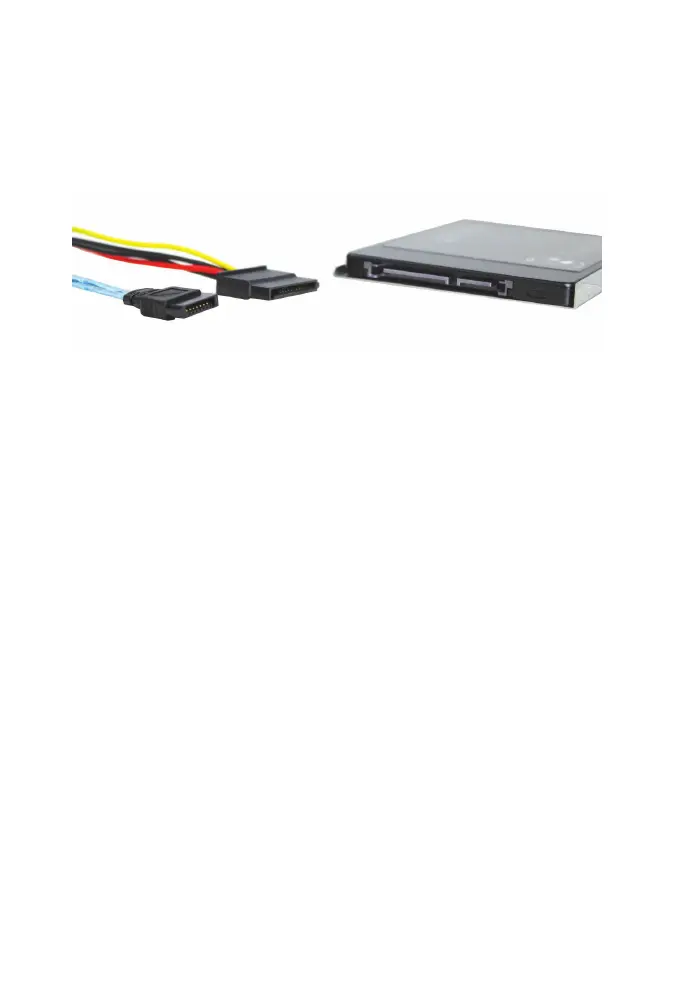
FREENAS MINI AND MINI XL SSD CONNECTION
Attach a power cable and a data cable to each SSD. The connectors both
have L-shaped keys that only allow them to be connected one way.
Gently slide the connectors onto the drive until they stop.
Make sure the cables are not rubbing against a sharp metal edge or sticking
out where they will be snagged when the case is slid back on.
CLOSING THE CASE
Replacing the case is the opposite of removal. Slide the case back on, being
careful not to pinch any cables, and replace the thumbscrews in the back.
9



 To Next Page