4
OPENING THE FREENAS MINI XL CASE
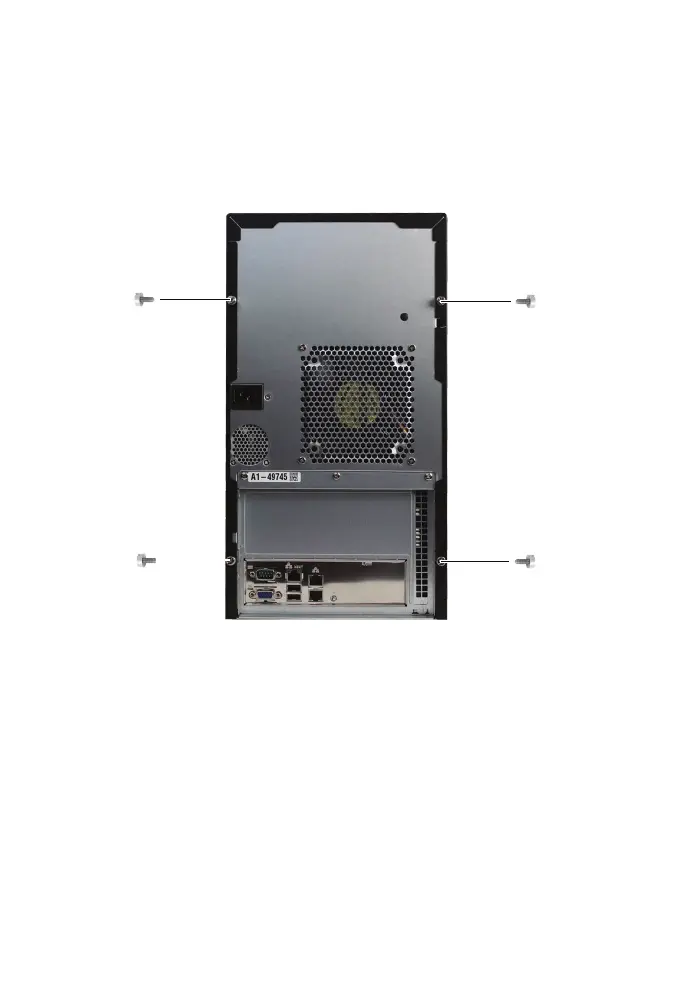
The FreeNAS Mini XL has two side panels which are removed separately.
For an SSD upgrade, remove the two thumbscrews on the right, then slide
the panel back and remove it from the chassis.
3
4
1
2
For a memory upgrade, remove all four thumbscrews, then slide each panel
back and remove it from the chassis.



 To Next Page