05
31
DVDBefore You Start
10
1
GOTO (time/track) button
---Preferences page--
Default
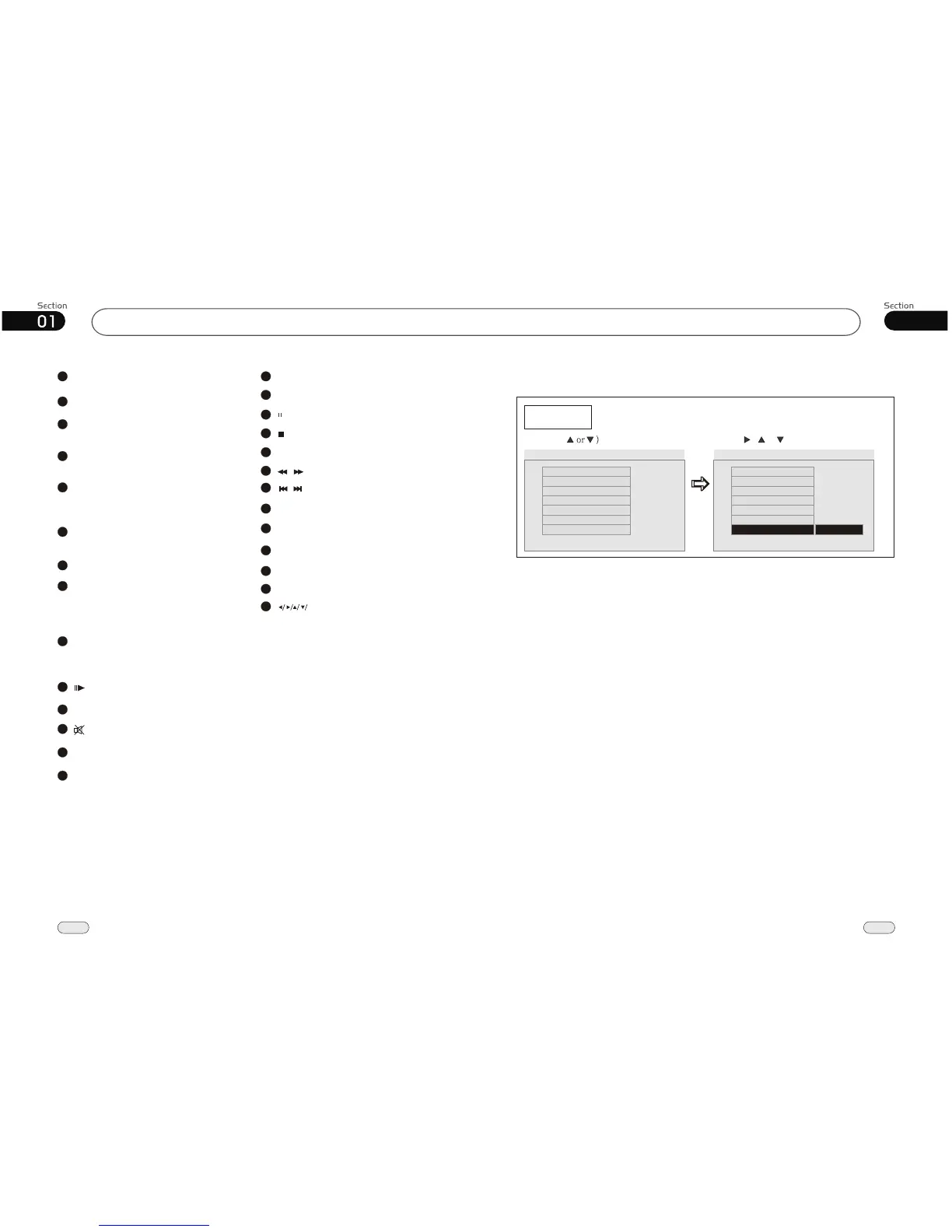
Example showing how to set load factory setting:
(Press , or , then press ENTER)
(Press
--Preference Page--
Go To Preference Page
Load Factory Setting
TV Type
Audio
Subtitle
Disc Menu
Parental
Password
Default
Auto
Eng
Eng
Eng
--Preference Page--
TV Type
Audio
Subtitle
Disc Menu
Parental
Password
Default
Auto
Eng
Eng
Eng
Reset
PWR (turn on/off) button
2
BAND/TITLE (band selection/ title
menu) button
3
AMS/MENU (preset stations, memory
automatically/menu) button
4
5
LOC/SUB-T (long distant or local station
selection/region function/subtitle display)
button
6
ST/AUDIO (stereo or mono selection
/language or audio switch) button
7
ANGLE (play angle) button
8
Briefly press it to display the current
information; press and hold it to adjust
the current setup.
OSD (current display) button
9
ZOOM (briefly press it to zoom in or
out/ hold and press it to adjust video
display screen) button
10
(slow play) button
11
P/N (system adjustment) button
12
(mute) button
13
PROG (program play) button
14
VOL+/VOL-/SEL (volume adjust/sound
characteristics setup) button
15
RPT (repeat play) button
16
RDM (play at random) button
17
(Play/pause) button
18
(Stop play) button
19
SETUP button
20
(F. /F.F) buttonREW
/
21
(Previous/next track) button
/
22
CLEAR button
23
0~9 (number) button
24
SOURCE (mode switch) button
25
LOUD (loudness) button
26
EQ (equalizer) button
27
ENTER(Left/Right/Up/Down
ENTER)


 To Next Page