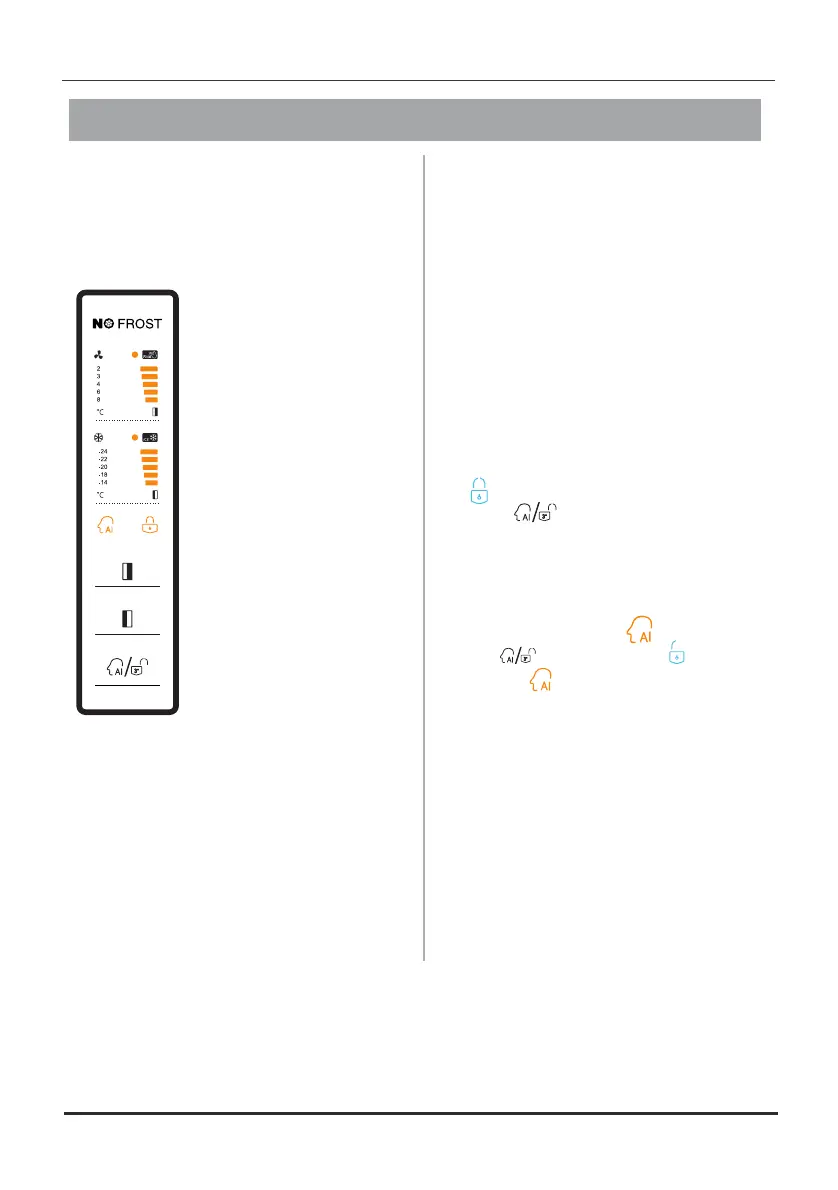
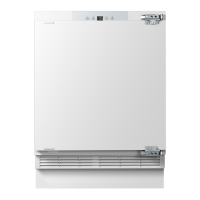
Displa y cont ro ls
Use appliance according to theyour
following guidelines , your
appliance
has
functions
and modes as the
control
panel
shown
in picturesbelow .
When the isappliance
powered for firston the
time,
the backlighting of
the
icons on display
panel
starts working. If
no have been
buttons
pressed the doorsand
a r e t h ec l o s e d ,
backlighting offwill turn
after 60 seconds.
T h e c o n t r o l p a n e l
consists areas
of two
about temperature,one
area about different
modes.
C o n t r o l l i n g
t h e
temperature
We recommend that
when start youryou
refrigerator for the first
time, temperature
the
for the refrigerator is set
to and
4℃ the freezer
to want to
-18℃. If you
c h a n g e t h e
temperature, follow the
instructions below.
Caution! When a temperature,you set
you temperature for the
set an average
w h o l e r e f r i g e r a t o r c a b i n e t .
T e m p e r a t u r e s e a c h
i n s i d e
compartment may vary from the
temperatures the
displayed on panel,
depending on how much food you
store and where you orplace it. High
low may alsoroom affecttemperature
the actual temperature inside the
appliance.
Unlock
You can select by pressing
the button " " .
when
When is selected, wait for
corresponding icon flashin for
the
10 seconds.
10
All the buttons are iconlocked if the
" " illuminated, the
is press
" " for 3button seconds to
unlock them.
The fridge will lock itself of
no buttons are pressed within 20 seconds.
Mod e
" "
“ ”
“ ”



 To Next Page