EasyManua.ls Logo

Friendly Robotics robomower RL350 - Page 87

Default Icon
213 pages
Print Icon
To Next Page IconTo Next Page
To Previous Page IconTo Previous Page
Loading...
3
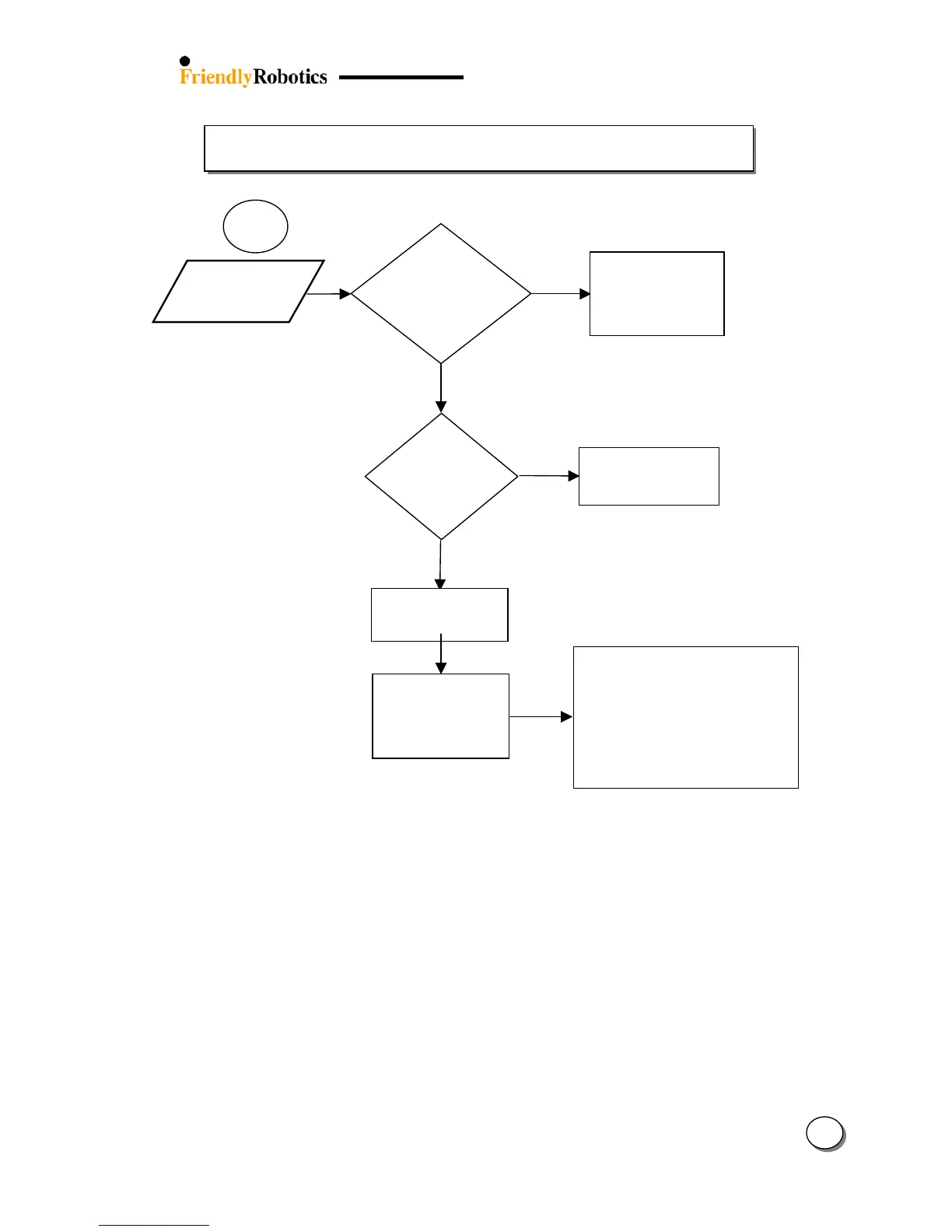
3.2.10 Wire Sensors Problems (con.)
3.2.10.2
32
NO
Y
ES
Were the Main
Board or Wire
Sensors
replaced?
‘Move from
wire’
message
Position the mower
inside an active plot
and perform ‘Learn
wire sensors’ (refer
to section 5.3.1)
Well inside
the lawn
On the
wire
or
very close
to it
Move the Robomow at
least 3ft/1m from the
wire and retry
Where is
the
Robomower
positioned?
Move the Robomow
10ft/3m from its
p
lace and retr
y
T
est the wire sensors
readings (section
5.3.5) and refer to
fault code (see table
in section 5.6)
Replace Wire Sensors (SPP0018A)
Replace Main Board (SPP0019B) and
complete the following settings
(under the ‘Service’ menu):
- ‘Factory default’ (Section 5.5.6)
- ‘Learn wire sensors’ (Section 5.3.1)
- ‘Edge Calibration (Section 5.3.2)
- ‘Set country’ (Section 5.3.3)
- ‘DK Calibration’ (Section 5.3.4)

Table of Contents

Related product manuals