FRITZ!Box 7272 142
Obtaining an IP Address Automatically
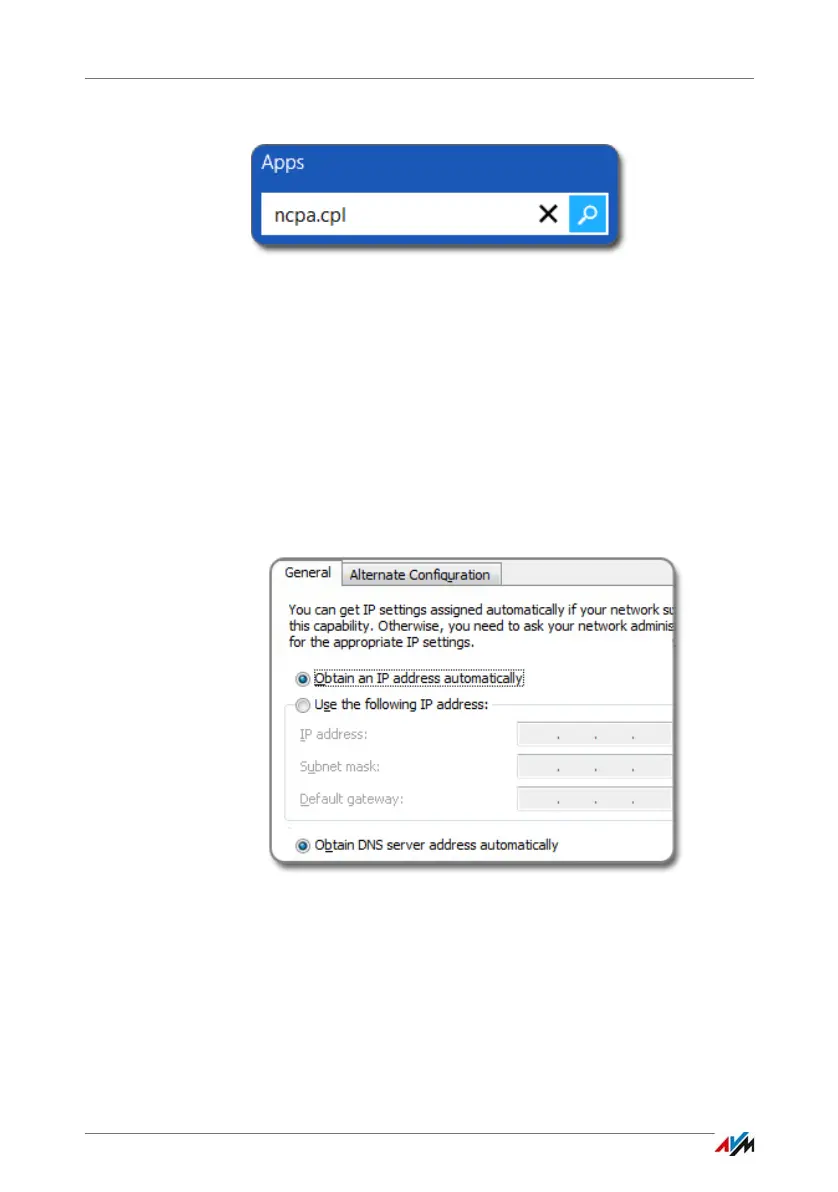
2. Enter “ncpa.cpl” in the search field and press Enter.
Entering “ncpa.cpl” in Windows 8
3. Click the network connection between the computer and
the FRITZ!Box with the right mouse button and select
“Properties”.
4. Under “This connection uses the following items”, select
“Internet Protocol Version 4 (TCP/IPv4)”.
5. Click the “Properties” button.
6. On the “General” tab, enable the options “Obtain an IP
address automatically” and “Obtain DNS server address
automatically”.
7. Click “OK” to save the settings.
8. Enable the options “Obtain an IP address automatically”
and “Obtain DNS server address automatically” for the
Internet protocol version 6 (TCP/IPv6) as well.
The computer receives an IP address from the FRITZ!Box.



 To Next Page