Connecting with the Internet Access: Cable Connection
Overview
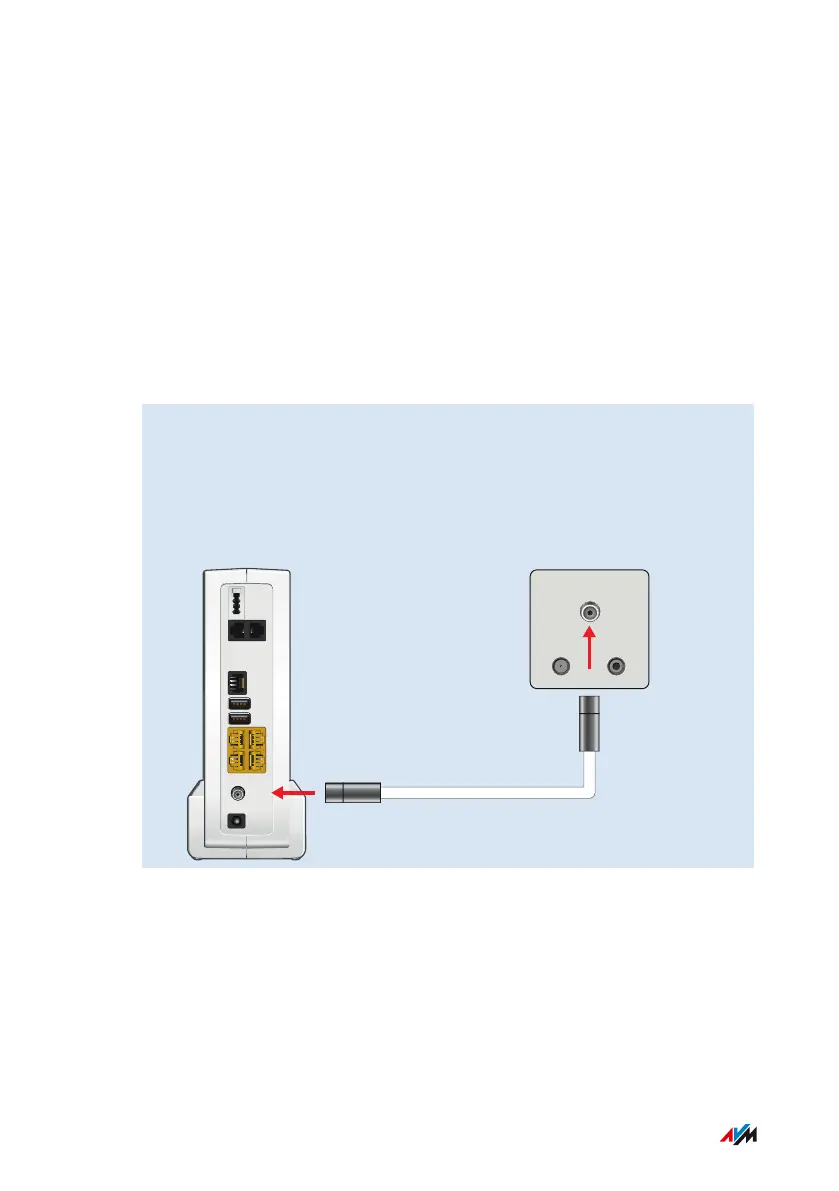
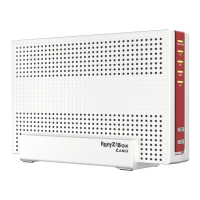
Your FRITZ!Box is designed to connect directly with the cable junction.
Requirements
To connect the FRITZ!Box you need a coaxial cable. You receive the
coaxial cable from your cable network operator.
Instructions: Installation on the Cable Junction
1. Insert one end of the coaxial cable into the port on your
FRITZ!Box labeled “CABLE”.
2. Insert the other end of the coaxial cable into the multimedia
outlet of your cable junction.
Power
C
ABLE
LAN
USB
USB
FON S
0
FON 1
4
3
2
1
FON 1 FON 2
Connecting
• • • • • • • • • • • • • • • • • • • • • • • • • • • • • • • • • • • • • • • • • • • • • • • • • • • • • • • • • • • • • • • • • • • • • • • • • • • • • • • • • • • • • • • • • • • • • • •
• • • • • • • • • • • • • • • • • • • • • • • • • • • • • • • • • • • • • • • • • • • • • • • • • • • • • • • • • • • • • • • • • • • • • • • • • • • • • • • • • • • • • • • • • • • • • • •
33FRITZ!Box6590Cable



 To Next Page