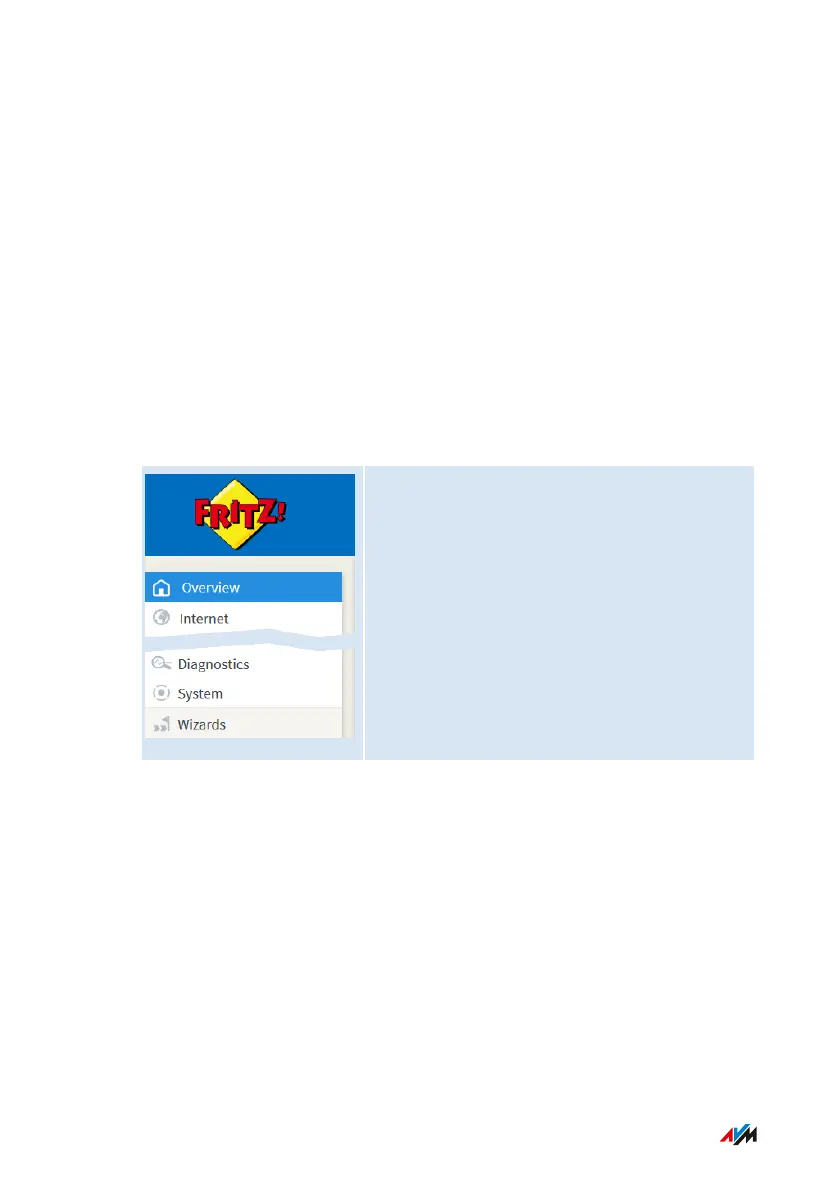
Overview Menu: Settings and Features
Overview
The “Overview” menu is the start page of the FRITZ!Box user interface.
This page presents an overview of all FRITZ!Box features and compo
nents: energy consumption, connections, ports, calls, answering
machine messages, convenience functions (parental controls, alarm,
etc.) and all devices in the home network.
In addition to the overview, next to the FRITZ!OS version currently
installed, you will also find notifications important for secure, reliable
operation of your FRITZ!Box.
“Overview” menu
For a comprehensive description of the FRITZ!Box user interface: see
User Interface, page 50.
User Interface: Overview Menu
• • • • • • • • • • • • • • • • • • • • • • • • • • • • • • • • • • • • • • • • • • • • • • • • • • • • • • • • • • • • • • • • • • • • • • • • • • • • • • • • • • • • • • • • • • • • • • •
• • • • • • • • • • • • • • • • • • • • • • • • • • • • • • • • • • • • • • • • • • • • • • • • • • • • • • • • • • • • • • • • • • • • • • • • • • • • • • • • • • • • • • • • • • • • • • •
73FRITZ!Box6590Cable















 To Next Page