3. If the device to be configured is not yet included in the list of
telephony devices, click “Configure New Device”. Follow the
wizard’s instructions.
The wizard guides you through the assignment of telephone
numbers and enters the device in the list.
4. To configure further settings for a device in the list, click the
“Edit” button of the device .
The kind of device determines which additional settings are
available.
Configuring
• • • • • • • • • • • • • • • • • • • • • • • • • • • • • • • • • • • • • • • • • • • • • • • • • • • • • • • • • • • • • • • • • • • • • • • • • • • • • • • • • • • • • • • • • • • • • • •
• • • • • • • • • • • • • • • • • • • • • • • • • • • • • • • • • • • • • • • • • • • • • • • • • • • • • • • • • • • • • • • • • • • • • • • • • • • • • • • • • • • • • • • • • • • • • • •
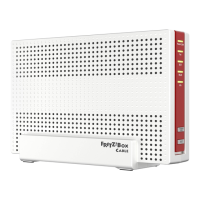
68FRITZ!Box6590Cable



 To Next Page