Package Contents
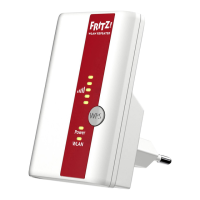
FRITZ!WLAN Repeater 310 7
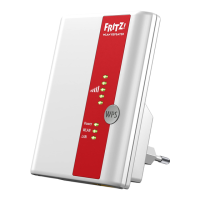
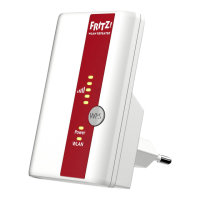
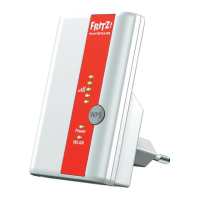
LEDs
1.3 Package Contents
• FRITZ!WLAN Repeater 310
• one printed quick guide
LED Condition Meaning
flashing No connection with WLAN base station or
searching for WLAN base station
up to 5 LEDs
are lit up
The more LEDs are lit up, the stronger the
signal of the WLAN radio connection be-
tween the WLAN base station and the
FRITZ!WLAN Repeater
Power flashing
• FRITZ!WLAN Repeater starts
• Updating the firmware of the
FRITZ!WLAN Repeater
on FRITZ!WLAN Repeater is ready for opera-
tion
WLAN flashing
• FRITZ!WLAN Repeater adopts WLAN
settings
• Switching WLAN radio network on or
off
• Performing WPS
flashing rapidly WPS procedure was aborted: More than
two WLAN devices are performing WPS at
the same time. Repeat the procedure.
on The WLAN module of the
FRITZ!WLAN Repeater is ready for opera-
tion
All flashing Factory settings are loaded





 To Next Page
