Parameters overview | 5
B0640421_en | Operating instructions Control Panel RBG 3200 27
5.8.6 System - Current Time
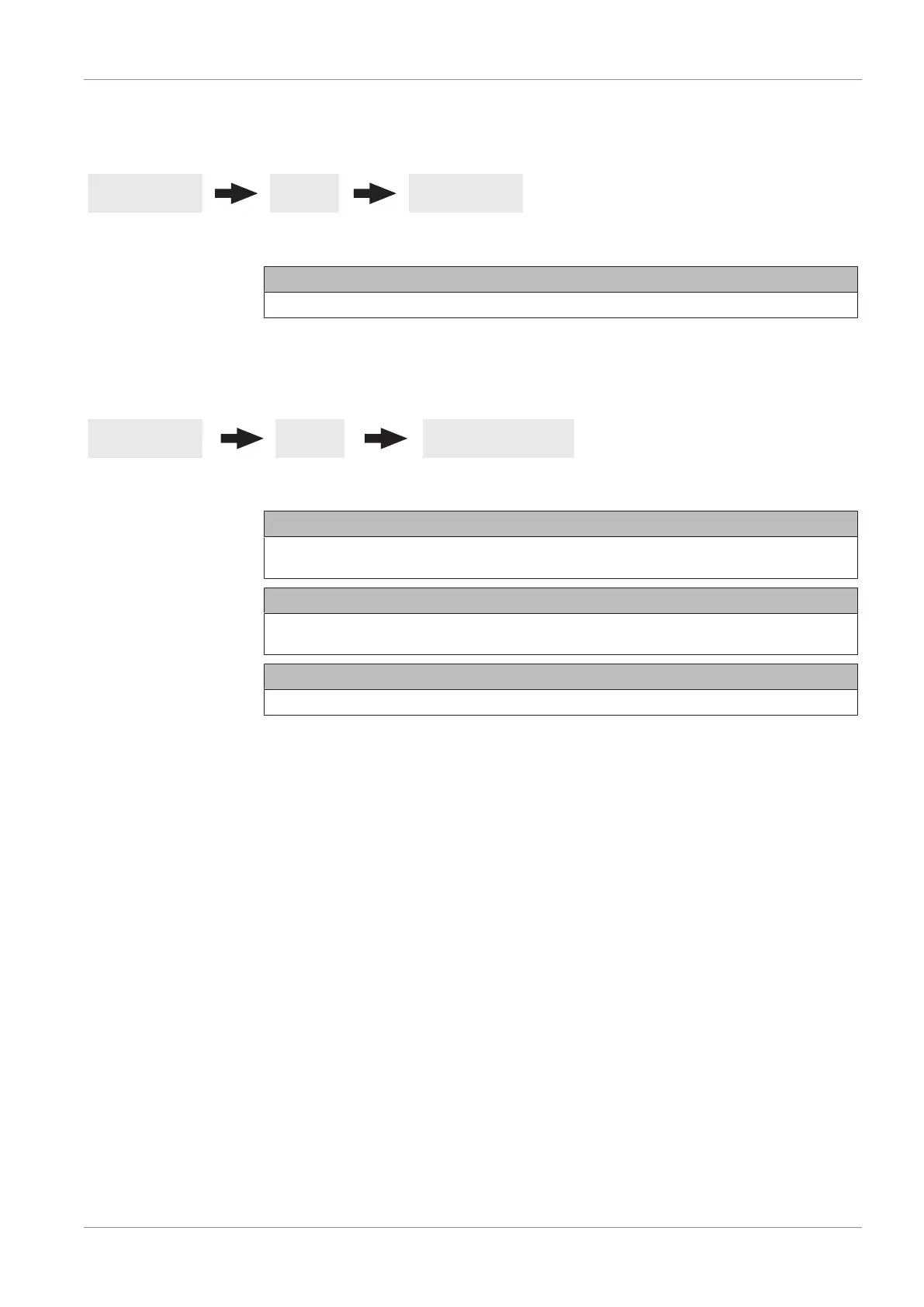
Basic display System Current Time
Current Time
Display and setting the current time.
5.8.7 System - Current User Level
Basic display System Current user level
Child lock (Code “0”)
At “Child lock” level, only the “Status” menu appears. It is not possible to change parameters
at this level.
Customer (Code “1”)
Standard user level for normal operation of the display. All customer-specific parameters are
displayed and can be changed.
Installer / Service
Releases parameters to adjust the controller to the system components (if configured).


 To Next Page