29
EN
Fitting the welding torch
Welding torch
connections
(X) ... up to a max. of 500 A
NOTE!
When using a welding current over 500 A, only operate the VR 1500 - 11, VR 1500 -
12 and VR 1500 - 30 wirefeeders with adequately dimensioned Fronius welding
torches that have F++ connections.
Fit the welding
torch
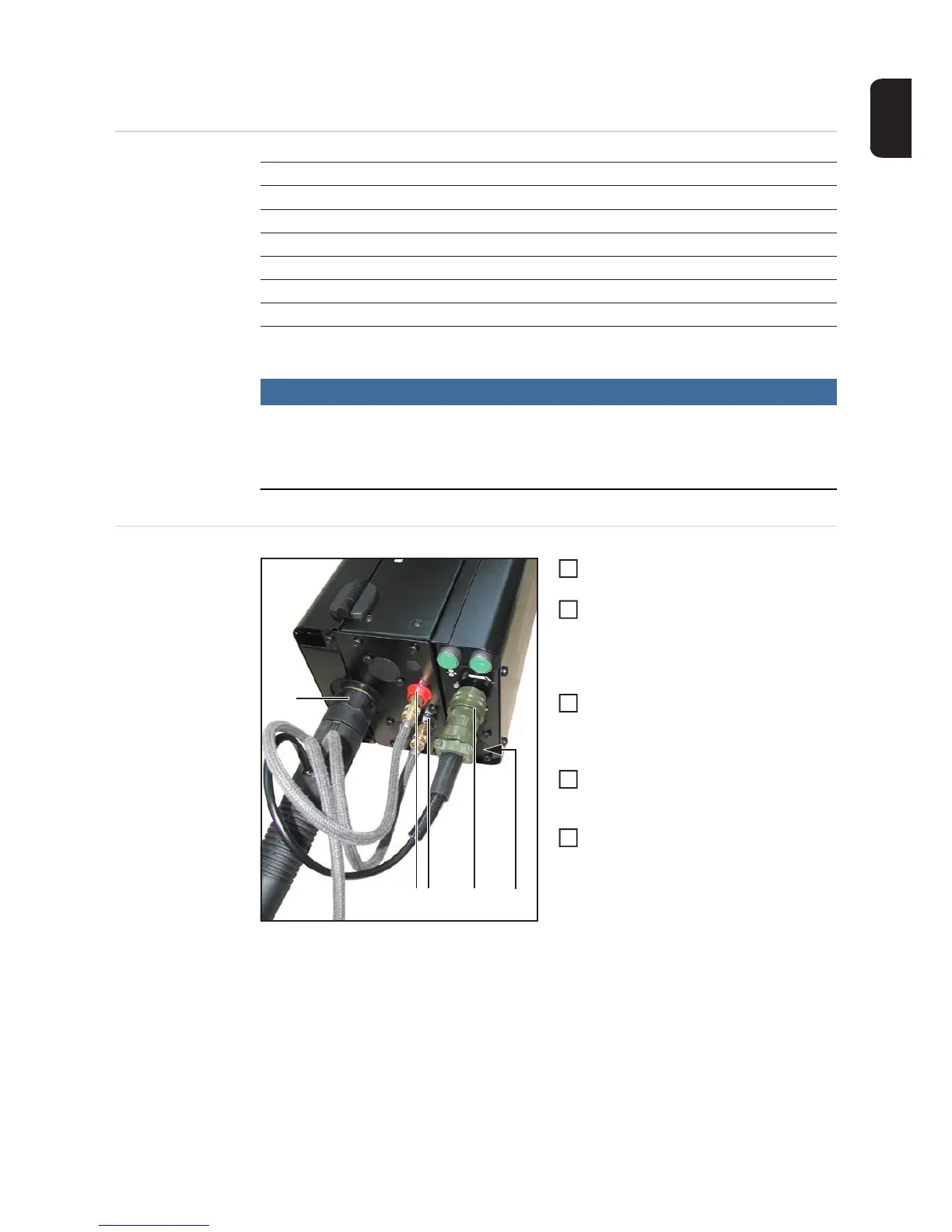
Mounting the welding torch e.g. Robacta Drive
turn the power source mains switch to
the "O" position
Check that the welding torch is correc-
tly set up. Insert it - infeed tube first -
into the torch connection (1) and tigh-
ten the union nut by hand to secure the
torch in place
Plug the control plug of the welding
torch into the Robacta robot welding
torch connection (3) and tighten the
union nut to secure in place
If present: connect the external water
flow (4) and return (5) connections cor-
rectly, matching the colours
If present: connect the hose for the
blow out device to the AIR OUT torch
blow out connection (2)
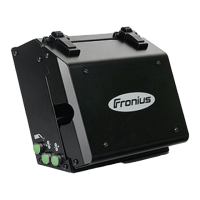
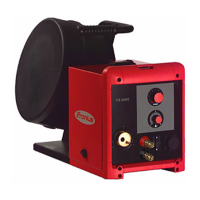
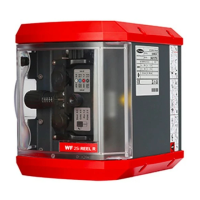
Fronius F++ Euro for Dinse for Tweco
VR 1500 XXXX
VR 1500 - 11 X (X) - -
VR 1500 - 12 X (X) - -
VR 1500 - 30 X (X) - -
VR 1550 X X - -
VR 1550 (CMT-WS) X - - -
(1)
(5)(4) (2)(3)
1
2
3
4
5



 To Next Page