Number
Control
Indicator
Function
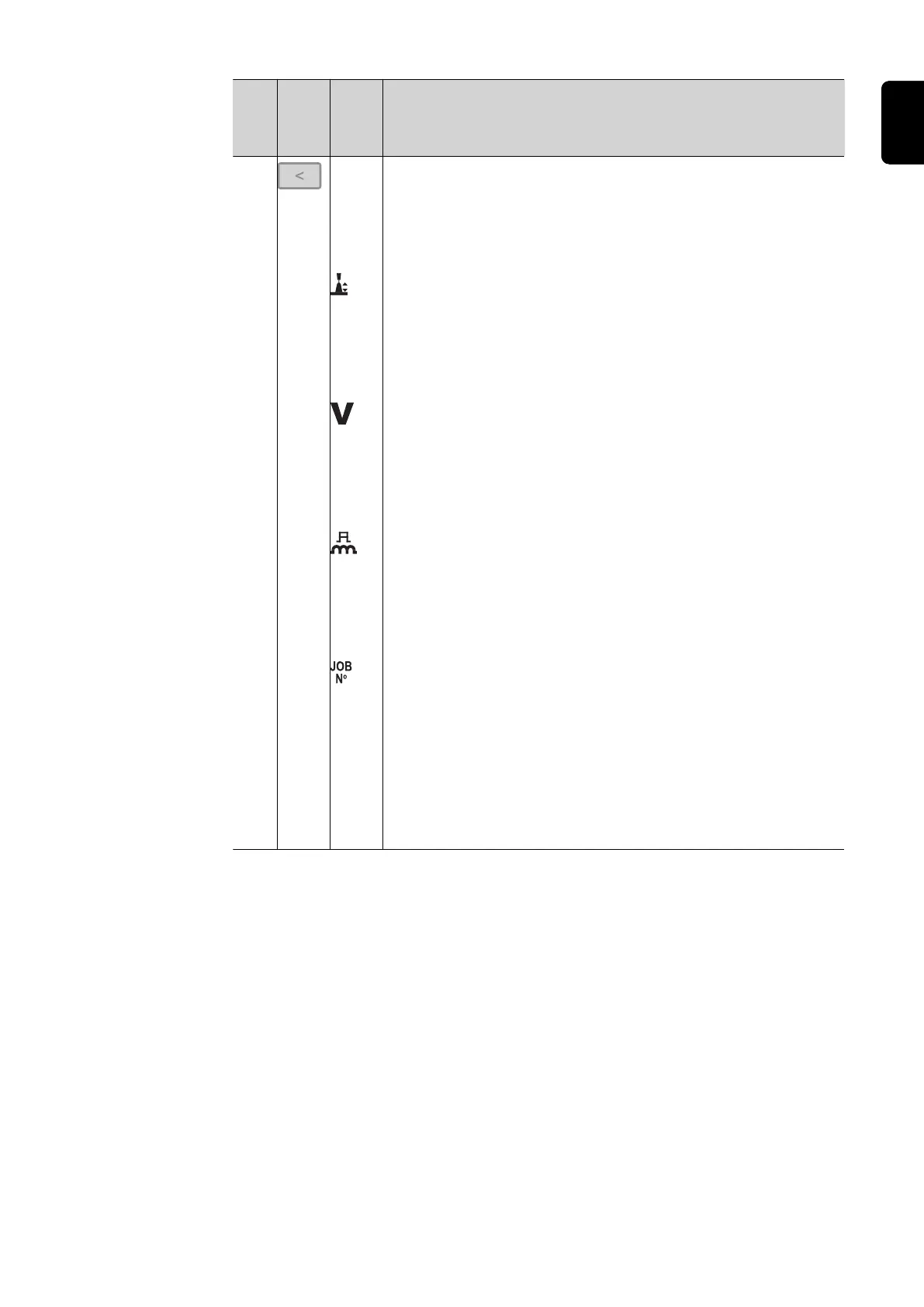
(2) Parameter selection button (right)
for selecting the parameters listed below.
The corresponding indicator lights up when a parameter is selec-
ted.
Arc length correction
for correcting the arc length
- ... shorter arc length
0 ... neutral arc length
+ ... longer arc length
Voltage *)
in V
Before the start of welding, the machine automatically displays a
standard value based on the programmed parameters. During
welding, the actual value is displayed.
Pulse/dynamic correction
for correcting the pulse energy during pulsed arc welding
- ... lower droplet detachment force
0 ... neutral droplet detachment force
+ ... increased droplet detachment force
Job number
(can only be selected if the JOB welding process has first been
selected using the "Welding process" button (5))
for selecting a job number
*) = Synergic parameter
When a synergic parameter is changed, the synergic function
automatically changes all other synergic parameters to match.
31
EN





 To Next Page