FS0507T PN 60711000162
safety after the pause. This is the choice to set the delay in the machine mode.
f) A fault in lifting or lowering will report an error code on the display LED of the PCU
and ECU.
4.1.4 Driving and driving safety
a) Driving can only be controlled by the handle on the PCU, and the key switch should
be in the platform position. See Photo 3.
b) The driving mode must be selected and the enable switch on the handle must be
pressed.
i. Moving the handle could control the direction and speed forward and backward.
ii. When the platform is down, “High Speed” or “Low Speed” can be selected, but when
the platform is raised (and pothole protection is lowered), the machine can only
operate at “Rise Speed”.
iii. If the load exceeds the rated value, the action is forbidden.
iv. If the motor controller overheats inside, it will slow down.
v. The brake will turn off when there is no walking.
4.1.5 Steering and steering safety
a) The key switch must be selected at the platform position. See Photo 3.
b) For differential steering models, steering is controlled by the handle on the PCU. For
hydraulic steering models, the steering can only be controlled by the buttons on the
top of the handle on the PCU.
c) The walking mode must be selected and the enable switch is pressed.
4.1.6 Operation Indicator
a) When lifting or walking, the chronograph on the chassis will go.
b) The two LED on the PCU display the battery status, error code and setting data.
4.1.7 Low battery operation
a) The Battery status is set by the operator and the battery strip is displayed on the
PCU.
b) Two or more battery strips allow normal driving.
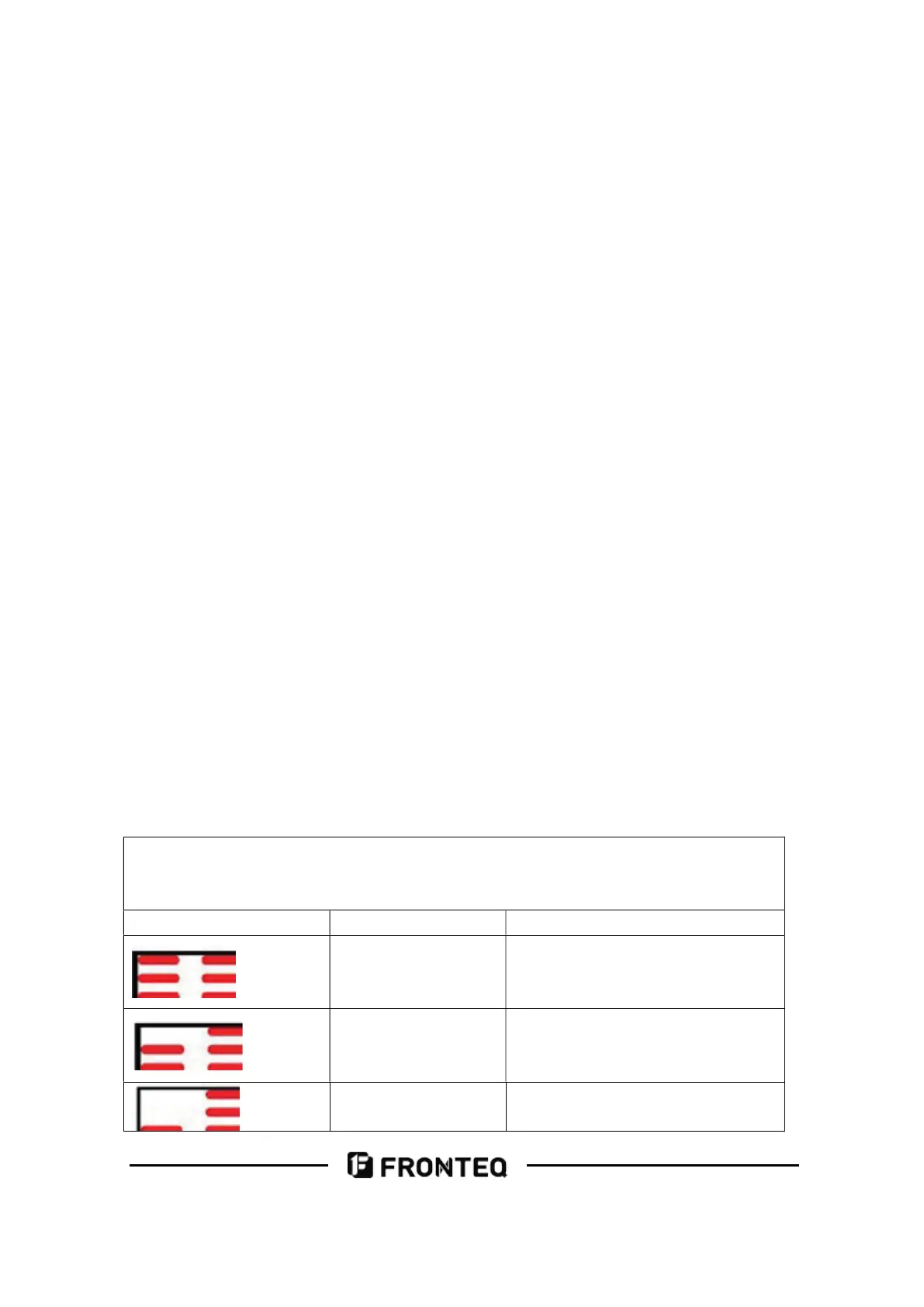
c) The walking speed is decelerated when there is only one battery strip. (As shown
below)
After appropriate setting, the battery power would be shown on the PCU,
representative 10, 20, 30, 40, 50, 70 and 90 percent. When it reaches 10%, it would
twinkling one per second.
Display on platform Battery power (%) Description
90-100 The battery is full
70 Battery status
50 Battery status



 To Next Page