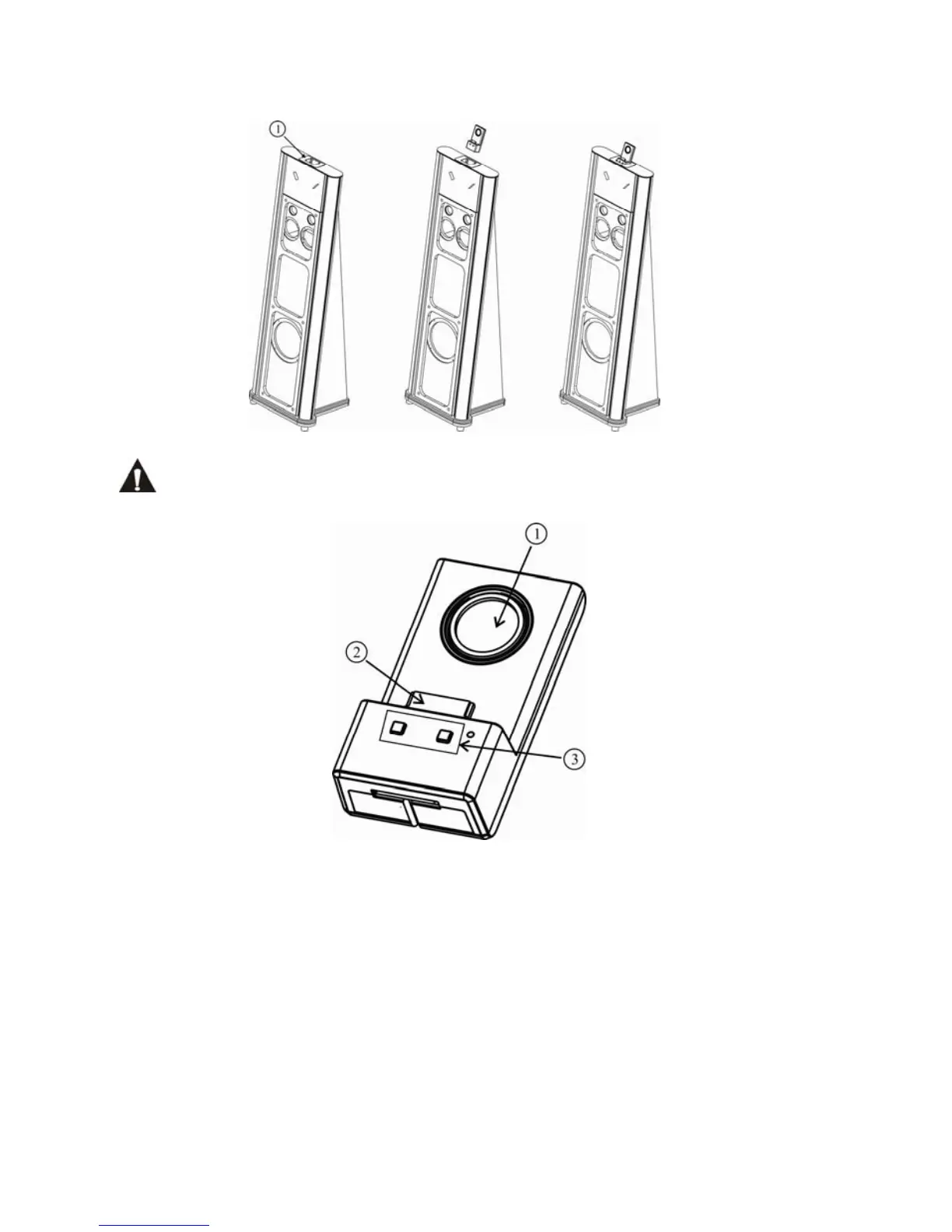
8. Wireless transmitter connection
Don’t connect the iPod/iPhone to c, if connected it may damage the iPod/iPhone.
Wireless Transmitter
1. It is rotatable to suit for different iPod/iPhone.
2. It is suitable for all iPod/iPhone insertion.
3. Volume control VOL-/VOL+
Keep pressing VOL- over 15 seconds, to enter matching status of transmitting and
receiving. Keep pressing VOL- over 15 seconds and release, then press over 5 seconds the
ENTER key on the remote for main unit, the transmitting and receiving matching will be
done.
NOTE: When the transmitter 42138T is inserted on the main unit, transmitting and
receiving matching can not be proceeded.
11


 To Next Page