9. iPod,Tuner,and Aux Modes (When Wireless function is on the control over the iPod is lost)
START
Make sure all the connections are correct then press the POWER button on the
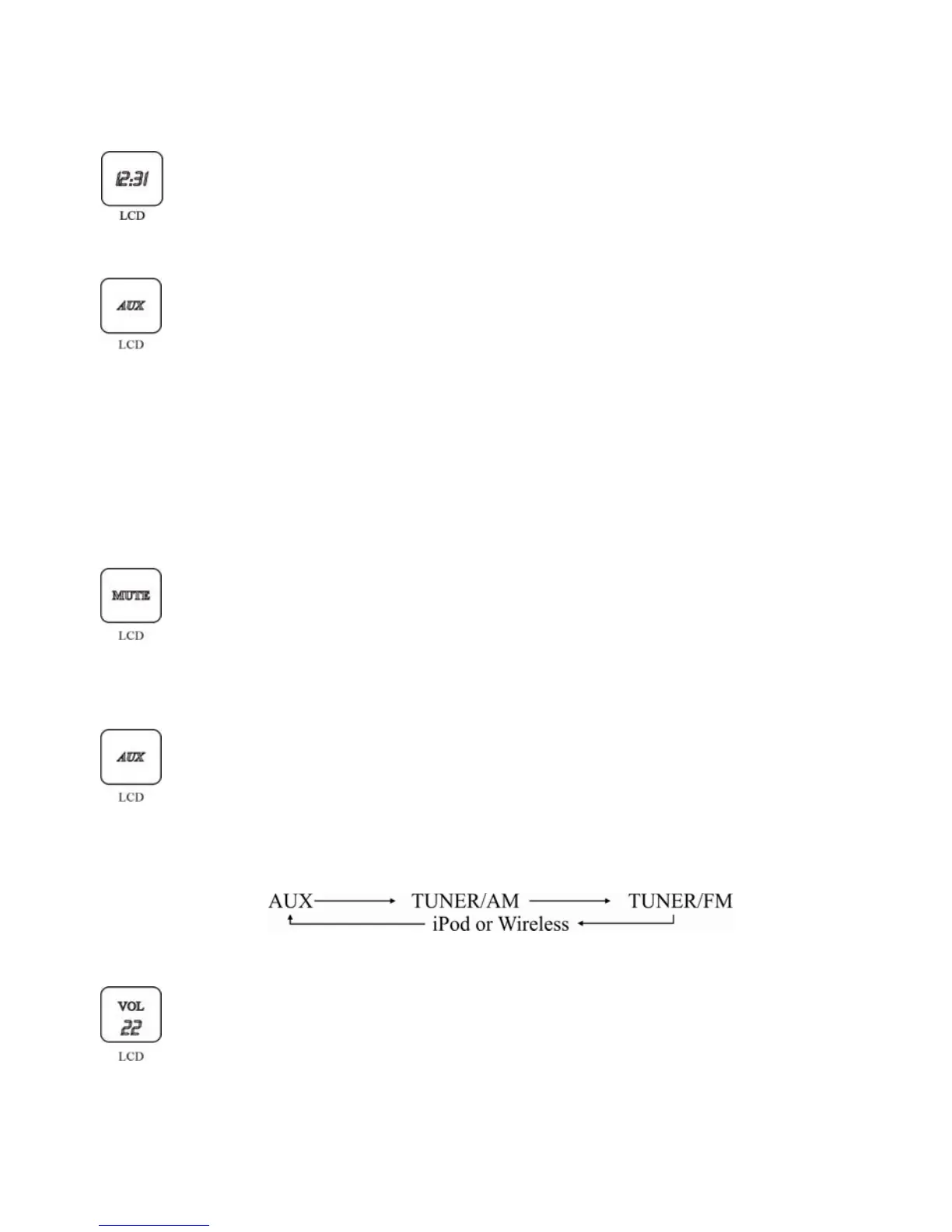
rear panel. This unit will be in operation mode, the LCD will displays the time,
etc.
STANDBY
Press the STANDBY button on remote control, the unit enters into standby
mode and the input icon in the LCD disappears. Press the STANDBY button
once again to switch unit to operation mode.
The LCD will display current input source.
Alternately, you can touch the + and - button on the touch panel
simultaneously to switch unit to standby mode. Simply touch either + or -
button to switch unit to operation mode. The front panel operation button will
remain lighted after unit is switch to Standby mode.
MUTE
Press the MUTE button on remote control, the volume of the unit will decrease
5dB, LCD does not display the MUTE icon. Press it again, the unit goes into
MUTE mode, LCD displays the MUTE icon. Press it for the third time, MUTE
mode is cancelled, and MUTE icon on the display will disappear.
INPUT
Touch the IN button on the touch screen, the audio source input channel will
follow the below sequence for the circulation selection. You can also press the
iPod, TUNER or AUX button on the remote control directly to choose audio
signal input channel. LCD displays the relevant input source name. The front
panel will also light up the corresponding indicator depending on which mode
is selected.
VOLUME
12
Touch the +/- button on the touch screen of the unit or press VOLUME +/-
button on remote control to adjust the master volume. Press VOL+ to increase
or press VOL- to decrease the volume. LCD displays the volume level
accordingly. The maximum volume is 40dB, the minimum value is 0dB.
When the main power is restarted, the volume setting will remain if it is set to
32dB or less previously. 20dB is the default volume.


 To Next Page