9. iPod,Tuner,and Aux Modes(When Wireless function is on the control over the iPod is lost)
SUB-WOOFER
Press SUB switch on rear panel to turn on the sub-woofer. As a result, unit will
be able to output 2.1 channel audio. The sub-woofer indicator on the front
panel will light up to indicate that the sub-woofer is on. Press SUB switch
again to switch off sub-woofer.
TREBLE
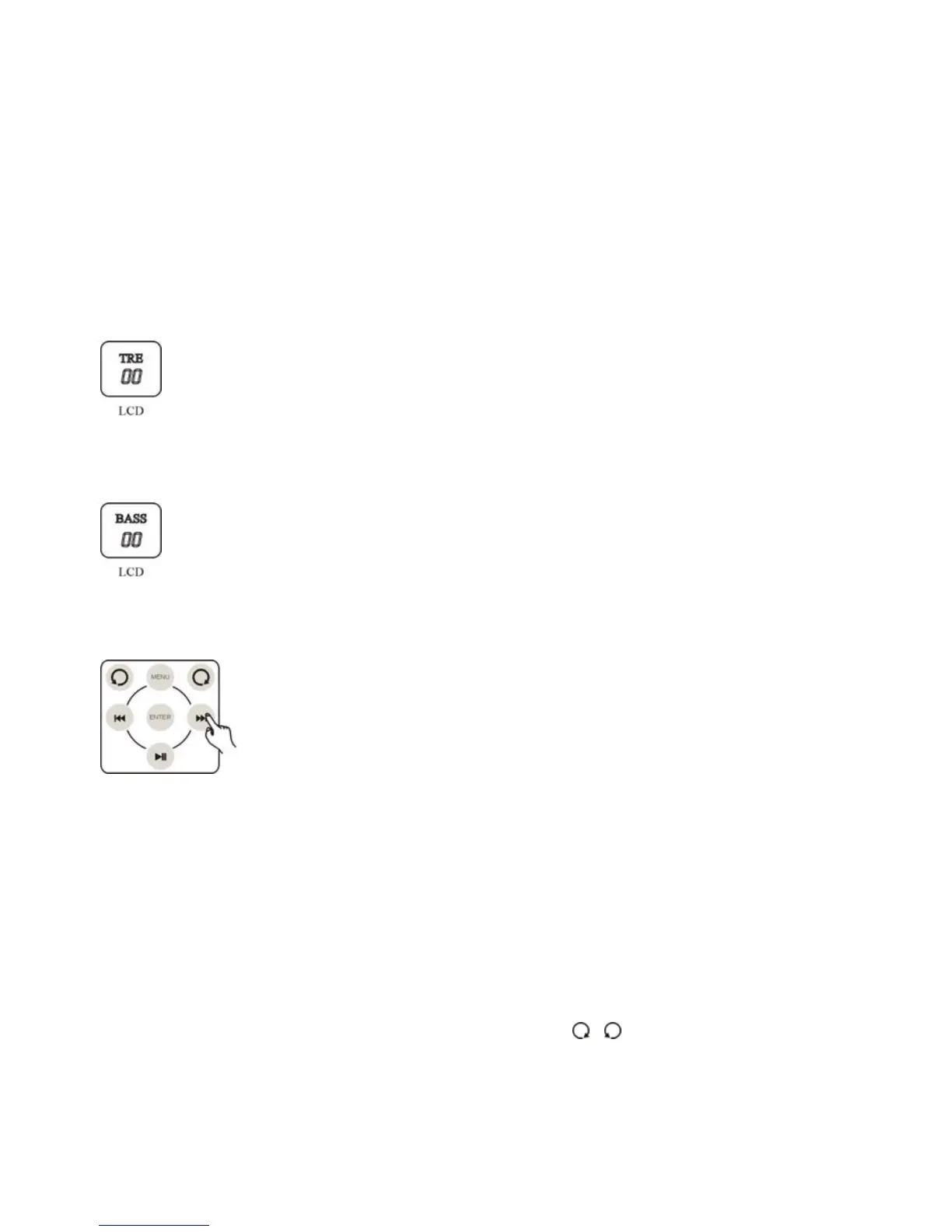
Press the TREBLE +/- on remote control to adjust the treble of main
channel, the adjusting range is ±14dB. Displays -14~ +14 in the LCD.
BASS
Note: Bass adjustment only functions when sub-woofer is on. Press the
BASS+/- on the remote control to adjust the BASS of woofer, the adjusting
range is ±14dB. Displays -14~+14 in the LCD.
iPod CONTROL
iPod control button on the remote control works similarly as the
iPod's click wheel, for more details.
LISTENING TO RADIO
1. Select FM or AM TUNER (AM will display MW.)
Touch IN button on the touch screen or press TUNER button on remote control
to select FM or AM.
2. TUNING
a. Manual search: Touch SET button on the touch screen of the unit till the
LCD displays AM/FM, touch +/- or press
/ button on remote control
directly to adjust to your required broadcasting station. To auto-search, press
long, to manual search, press once.
13


 To Next Page