www.frontpointsecurity.com
NOTE
The sensor light turns on only during test mode. To test, remove and
replace the back cover. Within 60 seconds, leave the sensor area, then walk
across the room. When the light illuminates, the sensor is working properly.
After 60 seconds of inactivity, the sensor will return to regular operation.
Intrusion Sensors:
Motion Sensor
STEP 1
Prep the surface
Locate the appropriate place for your sensor. Make sure the surface is clean and dry.
STEP 2 (TWO PLACEMENT OPTIONS)
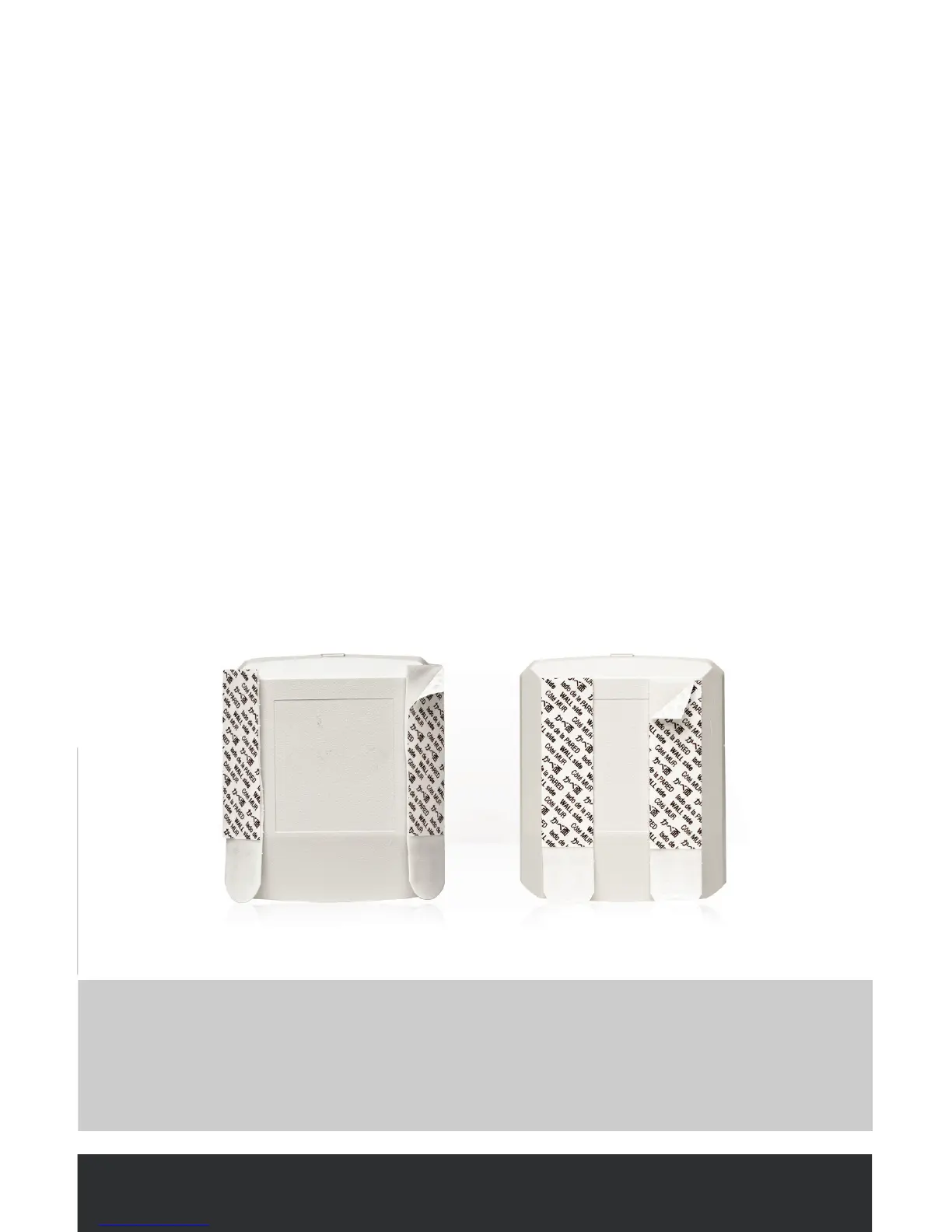
Place the sensor at on the wall
• To place on a wall, attach two strips of adhesive to the at back surface of the
sensor
Place the sensor in the corner of a wall
• To place in a corner, attach two strips of adhesive to the rear corner surfaces of
the sensor (marked with removable white stickers)



 To Next Page