www.frontpointsecurity.com/support-overview
Intrusion Sensors:
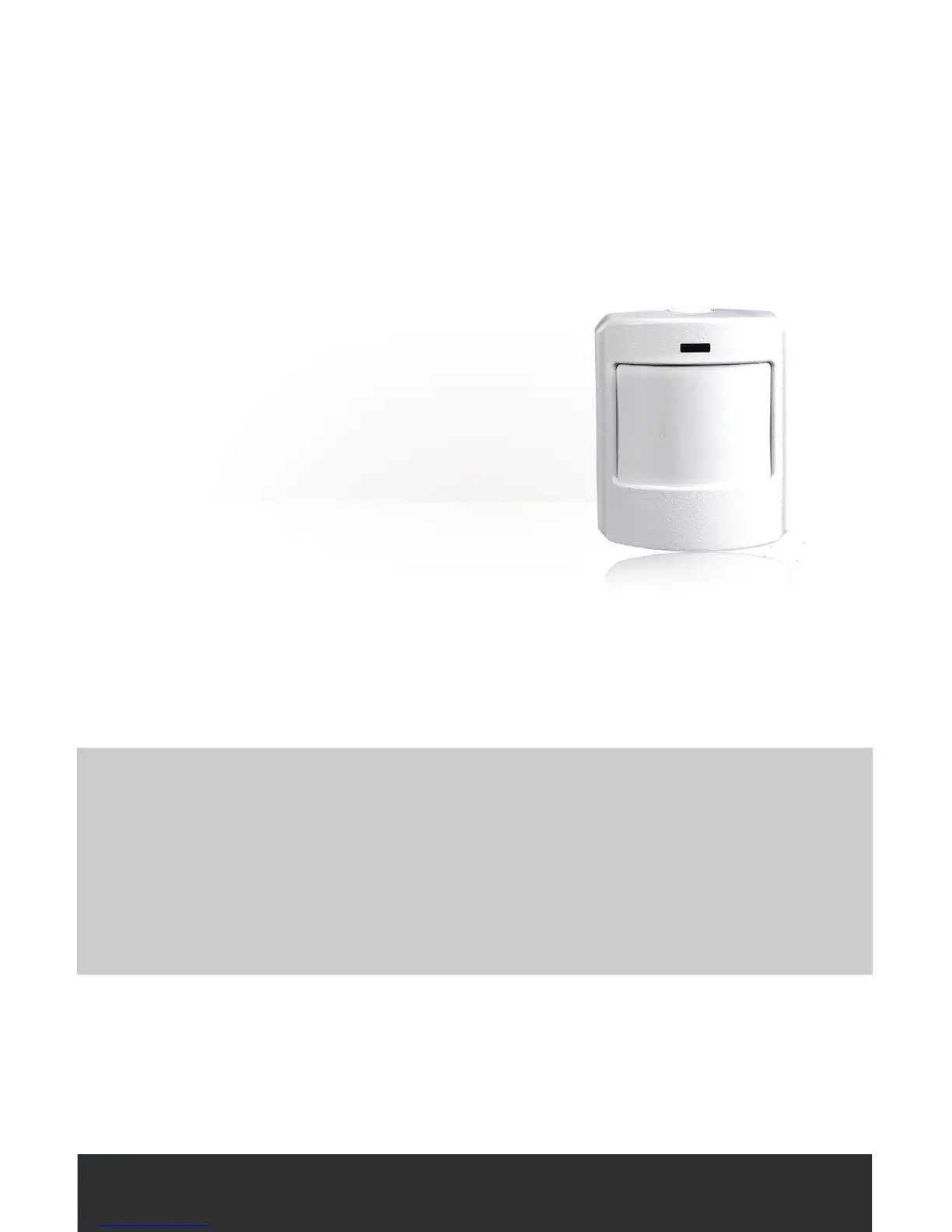
Motion Sensor
SPECIAL TIPS FOR PET OWNERS
• Do not set up a Motion Sensor in a room frequented by any pet (over 40 lbs).
• Do not set up a motion sensor that points at (or is near) an elevated surface
that a pet may be able to jump onto (e.g. a bed, a couch, etc.)
• Multiple small pets that group together may appear larger to a Motion
Sensor and can trigger a false alarm.
The wireless Motion Sensor detects
people moving across a room and
can secure larger common areas
(e.g. a living room, a hallway, a
basement, etc.).
Want to learn more?
Visit www.frontpointsecurity.com/support-overview for more
details about system setup.
WHERE TO PLACE
• In a central room or corridor of your home
• 4 to 5 feet o the ground
• Adhered on a wall, in a corner or on a shelf
• Within ~100 ft of the Control Panel



 To Next Page