www.frontpointsecurity.com/support-overview
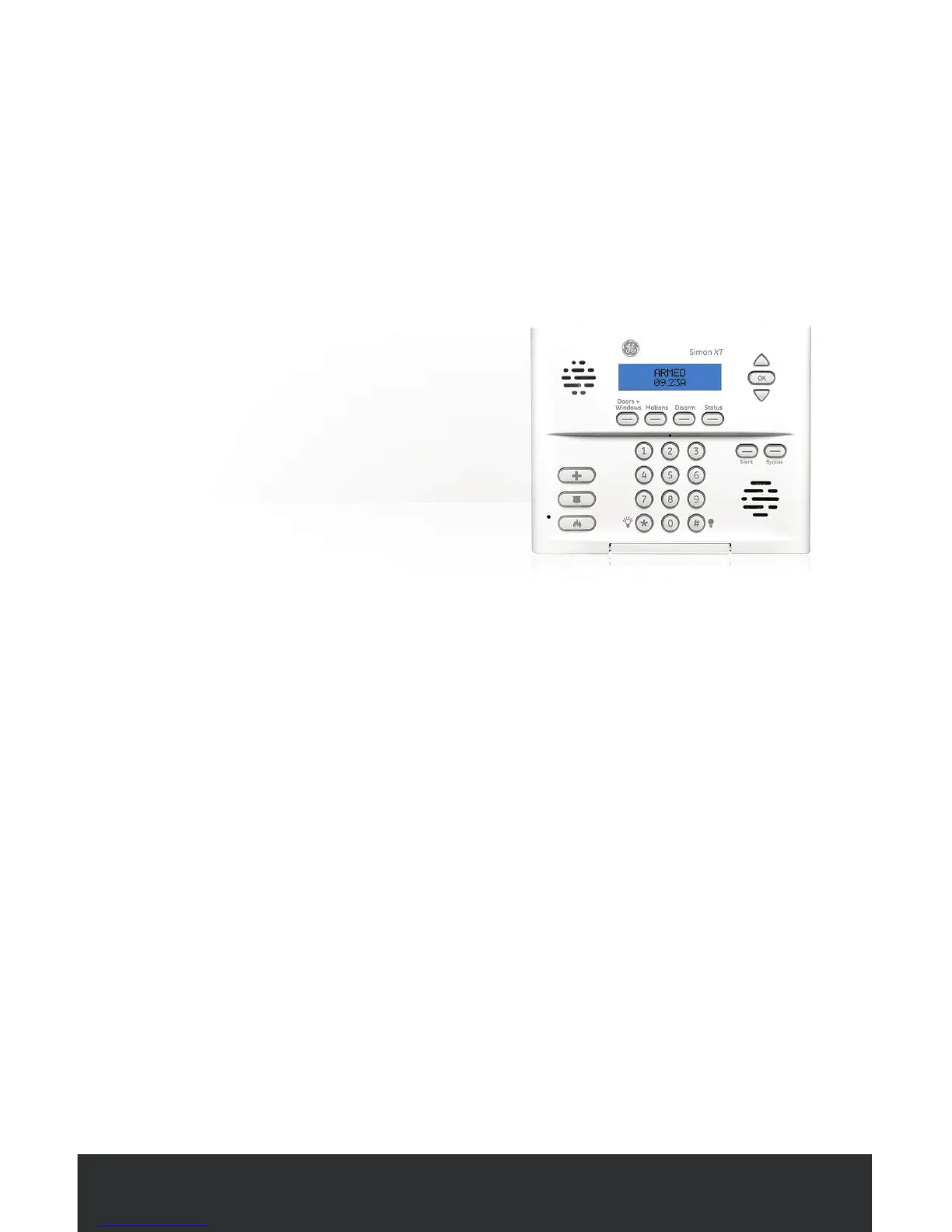
The Control Panel is the nerve
center of your system. It connects
wirelessly with all the sensors in
your home and communicates
with Frontpoint using a secure
cellular connection.
Set up your
Control Panel
WHERE TO PLACE
• In a central location in your home, above ground.
• On any at surface such as a countertop, a tabletop or shelf.
• In a place where it can plug into an outlet that is NOT controlled by a
switch and does not have a “test/reset” button (i.e. do not use with ground
fault interrupted (GFI) outlets).
WHERE NOT TO PLACE
• Next to a window (where an intruder would easily see it from outside).
Want to learn more?
Visit www.frontpointsecurity.com/support-overview for more
details about system setup.



 To Next Page