www.frontpointsecurity.com/support-overview
Plan locations for
your sensors
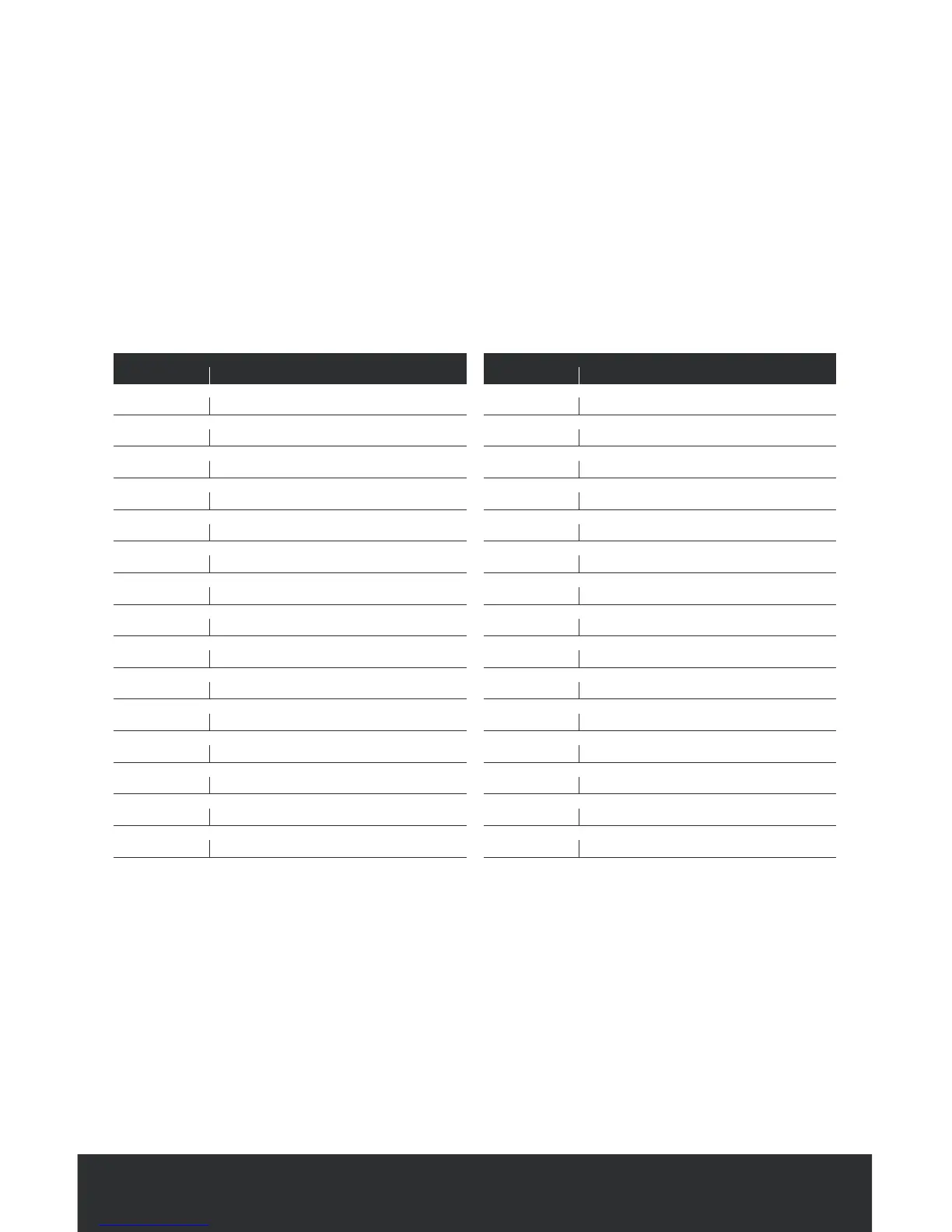
Using this sensor location sheet, list where you will place all of your sensors
(e.g. front door, back door, family room, etc.). We recommend taking time to
choose sensor locations prior to setup.
SPECIAL SETUP NOTES
• Each of your sensors has already been numbered
• Make sure to use the lowest numbered sensors for your doors
(e.g. front door).
• After listing the doors you want protected, list the remaining areasin which
your sensors will be placed (e.g. family room, front hallway, kitchen, etc.)
• Refer back to this page after your activation call, to customize your sensor
names.
Sensor # Location
01
02
03
04
05
06
07
08
09
10
11
12
13
14
15
Sensor # Location
16
17
18
19
20
21
22
23
24
25
26
27
28
29
30



 To Next Page