FSCurtis ICommand-Touch
V1.15
01.08.2016
54
4.8
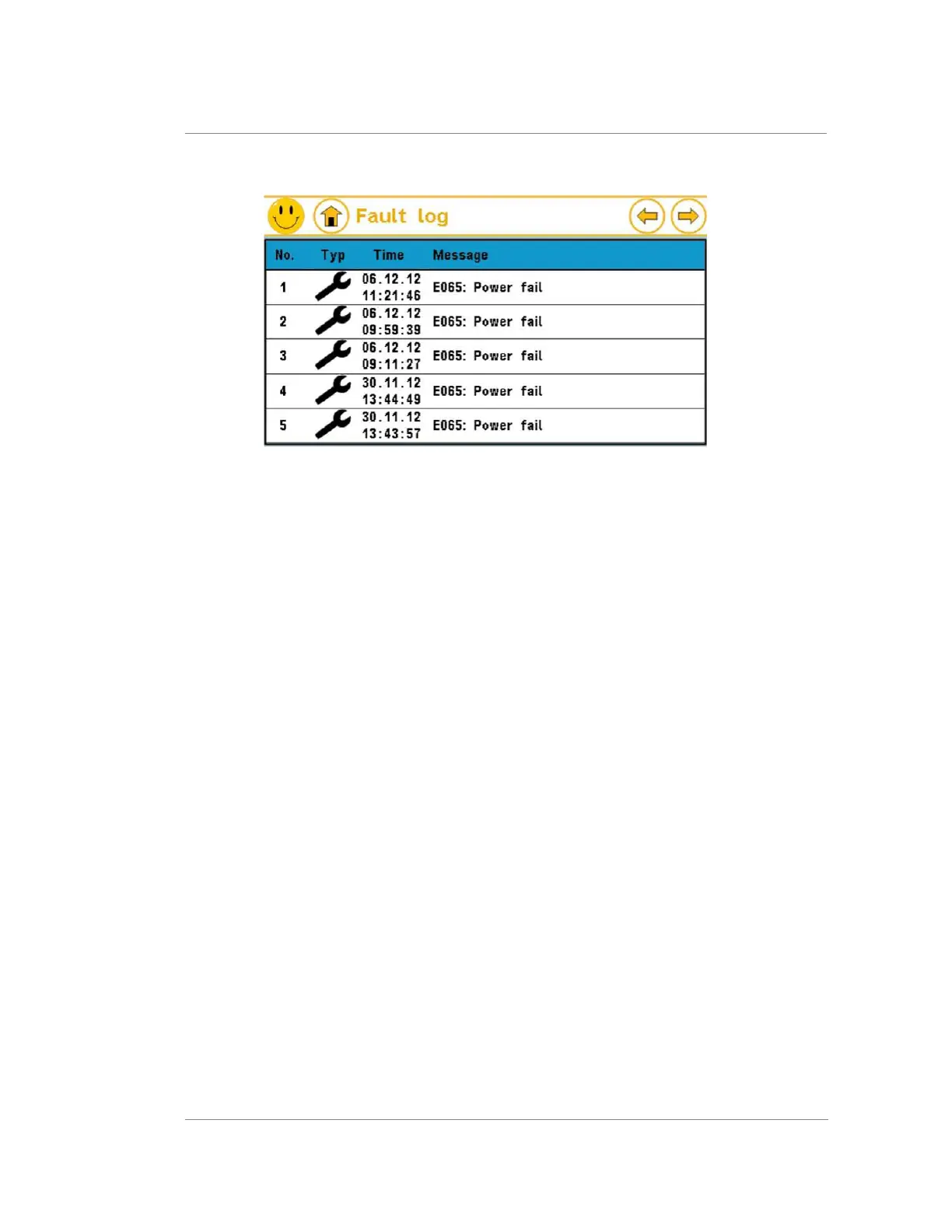
Fault memory
Figure 17: Message memory for faults, messages and maintenance.
The last 20 messages are saved in the message memory. The most recent message is
shown first. You have to scroll to older messages.
The following information is provided for each entry:
•
Entry number
•
Warning or fault symbol
•
Time when cause of message occurred
•
Message in plain text
Messages still live – i.e. not yet acknowledged – flash.
Select a message to display more information. If present, the following sensor values that
applied at the time the fault occurred are also displayed:
•
Mains pressure
•
Compressor temperature
•
Oil temperature
•
Ambient temperature
•
Dew point temperature
The memory can be cleared by entering a corresponding code. This is not normally
necessary. Once the message memory is full, each new message always takes the place
of the oldest entry.



 To Next Page