© 2015 Flanders Scientic, Inc.
28
Return to Table of Contents
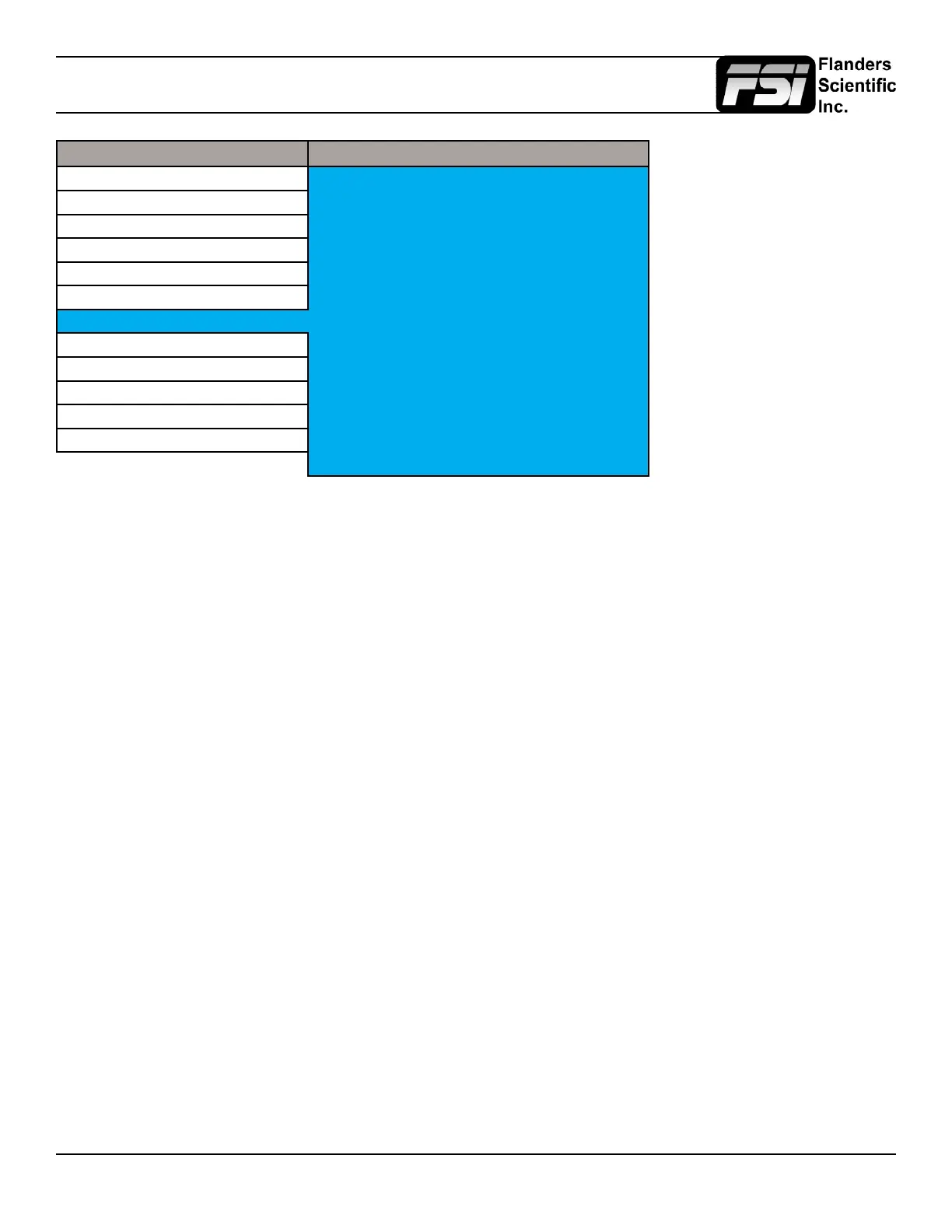
Alarm Menu
Main Menu Alarm
Function Alarm Off
Scopes & Audio Meters Visual Alarm Off
Video Remote Alarm Monitoring Off
Audio IRE Trigger Level 100 IRE
Marker Audio Trigger Time 5s
System UMD Display UMD
Alarm UMD Color White
OSD UMD Position Bottom
GPI Audio Meter Vertical
Display Alignment Select Alarm Area
System Status RS422 Address 1
Support Baud Rate 9600
Parity None
Remote Alarm Monitoring
When set to ON allows for remote alarm monitoring via FSI’s remote alarm monitoring software.
IRE Trigger Level
Sets the luminance threshold at which IRE alarms will be triggered, adjustable from 90 to 109 IRE
Audio Trigger Time
Sets the amount of time with mute audio that should elapse before the mute audio alarm is triggered.
Select Alarm Area
The screen area monitored for Alarm Triggers can be adjusted using the Select Alarm Area feature. To set the alarm area
simply highlight Select Alarm Area and press ENTER. Once active you can use the monitor’s directional and A1-A4 buttons
to move the area on screen, similar to the custom graticules feature on the marker menu, to dene the onscreen area that
will be monitored. Once your desired area has been set simply use the left button to back out of the Select Alarm Area
function. The default alarm monitoring area is the whole screen, but this function allows users to specify smaller regions if
only a portion of the screen area needs to be monitored.
UMD Display
Only applies to Safety Broadcast feature. Allows you to select whether the Source ID overlay displayed is based on the
manually set source ID on the monitor’s OSD menu or based on remotely set UMD information over RS232 or RS422. You
may also turn the selection to off to remove the Source ID overlay.
UMD Color
Only applies to Safety Broadcast feature. Toggles the Source ID text color between White and Black.
UMD Position
Only applies to Safety Broadcast feature. Select top or bottom of screen. Please note that when Timecode Overlay is active
the UMD will automatically be positioned at the bottom of the screen.
Audio Meter
Only applies to Safety Broadcast feature. Determines position of 2 channel audio level meters. Select from Horizontal or
Vertical.
RS422 Address
Sets the monitors RS422 address for remote control and alarm monitoring. Set between 0~126.


 To Next Page
 Loading...